

Table of Contents
- Understanding Response Time in Security: What AI Actually Changes
- How AI Video Analytics for Security Detects Threats Instantly
- Real-Time Threat Detection: From Detection to Alert in Milliseconds
- Reducing False Alarms With AI: Accuracy Without Speed Sacrifice
- Security Incident Response Best Practices: Building Your Response Workflow
- Measuring Improvement: KPIs That Matter
- Common Implementation Mistakes to Avoid
- Frequently Asked Questions
Last Updated: October 14, 2026
Understanding Response Time in Security: What AI Actually Changes
Improving response time with AI in security means addressing two connected problems: customer service response time (how fast your team reacts to alerts) and AI application latency (how quickly the system detects and reports a threat).
Traditional security monitoring creates bottlenecks at every stage. Cameras capture footage, someone watches a screen, spots something suspicious, and calls it in. By then, seconds have passed: an intruder has moved deeper, a fire has spread, a weapon has been drawn.
The two types of response time: customer service vs. threat detection latency
Threat detection latency is how long your AI system takes to identify a threat and send an alert. A well-configured AI video analytics system processes frames in real-time, flagging weapons, intruders, vehicles, or fire in milliseconds.
Customer service response time is how fast your team or monitoring station acts on that alert. This is measured in seconds to minutes. Even with instant detection, a delayed response means delayed action.
Most organizations focus on the second problem and ignore the first, hiring more staff and faster tools. But if detection itself is slow, you’re already behind.
Our on-site AI servers process video locally, eliminating cloud upload latency, so alerts arrive verified and actionable rather than buried in false positives.
Why traditional security monitoring creates bottlenecks
Manual monitoring is exhausting.
Slow detection compounds this. Cloud-based systems send video to a remote server, wait for processing, then send alerts back. Network latency and bandwidth constraints add seconds.
Even with faster alerts, routing slows things down. Which officer should respond? Where are they? What’s the fastest route? Traditional systems make your team answer these manually.
How AI Video Analytics for Security Detects Threats Instantly
AI video analytics works by learning patterns. Show it thousands of weapon images and it recognizes a gun in any orientation, lighting, or angle. Show it intruders and it spots unauthorized people in restricted areas.
The speed comes from on-site processing. Instead of uploading video to a cloud server, your AI runs on a local server connected to your existing IP cameras. Frames are analyzed in real-time. Threats are detected in milliseconds.
On-site processing vs. cloud-based detection: speed and reliability trade-offs
Cloud-based systems offer centralized processing and updates, improving your AI model without touching your hardware. But you trade speed for convenience.
On-site processing eliminates that trade-off. Your system detects threats in real-time even if your internet goes down, with no dependence on cloud uptime and no waiting for video uploads.
The cost is local maintenance: your on-site server needs power, cooling, and occasional updates.
Real-time threat detection without constant human monitoring
AI doesn’t replace human judgment. It replaces human exhaustion.
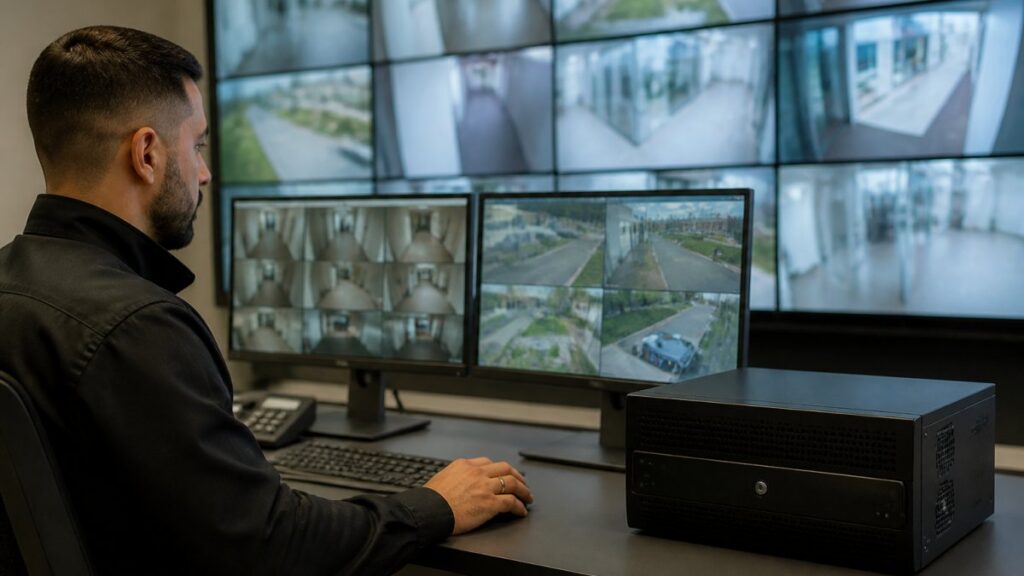
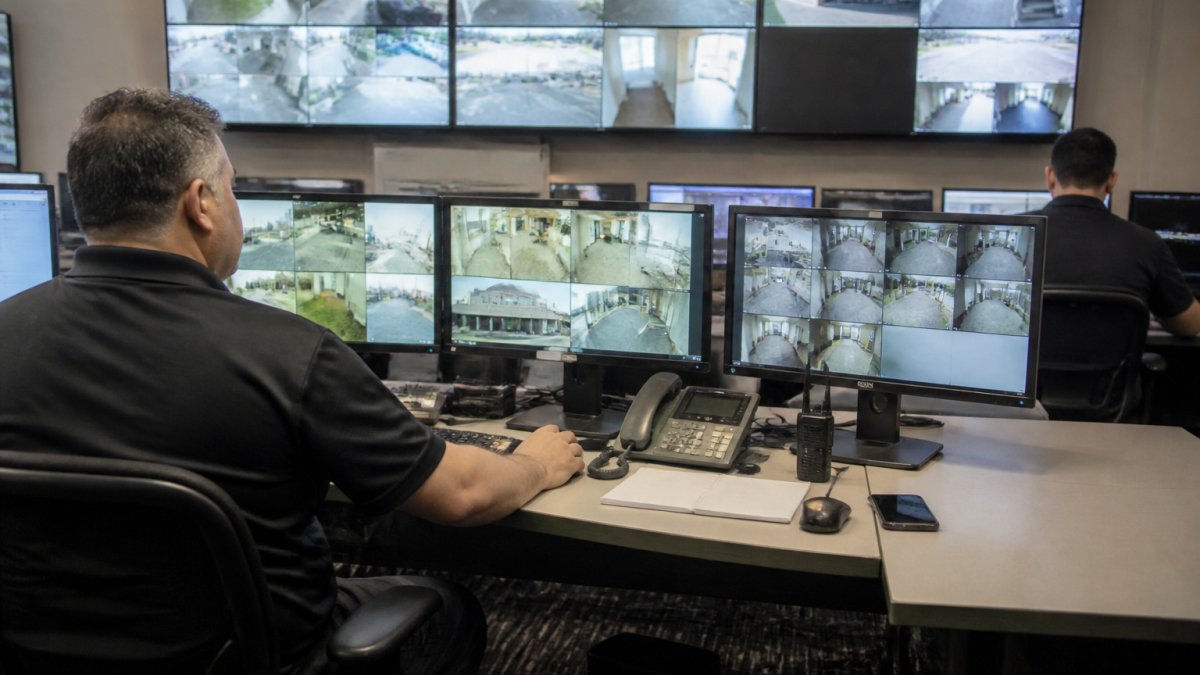
A monitoring operator watching six screens for eight hours catches maybe half of what happens. An AI system watches all of them, all the time, without fatigue, flagging threats the moment they appear.
This changes your response workflow entirely. Instead of scanning and hoping to spot something, your team responds to validated alerts.
Real-Time Threat Detection: From Detection to Alert in Milliseconds
The moment an AI system identifies a threat, a chain of events begins. Understanding this chain is critical for setting realistic expectations about improving response time with AI.
What happens when an AI system identifies a threat
The alert includes metadata: timestamp, threat type (weapon, intruder, vehicle, fire), confidence score, and a snapshot. With Immix or Bold Manitou, it appears in your dashboard with actionable context.
Your team doesn’t see raw video. They see a verified alert with enough information to decide immediately: Is this real? Where is it? What’s the threat level?
API response time, token processing, and throughput explained
API response time is how long your system takes to receive a request and send a response. For security alerts, this should be under 100 milliseconds.
Token processing is how your AI model breaks down visual information. More tokens mean more detailed analysis but slower processing; fewer tokens mean faster alerts but potentially lower accuracy.
Throughput is how many frames per second your system can process.
Most organizations oversize latency expectations, assuming AI processes video in milliseconds and expecting alerts in under a second.
Reducing False Alarms With AI: Accuracy Without Speed Sacrifice
False alarms are the silent killer of security response. Your monitoring station gets bombarded. Your team stops trusting alerts. Critical threats get ignored because they blend into the noise.
Many organizations deploy AI expecting instant perfection. Initial accuracy of 85-90% feels good until they realize that’s still one false alarm per ten alerts, or dozens per shift at scale.
Camera-specific sensitivity tuning and context filtering
Every camera sees the world differently.
MDI AI Detection’s approach includes camera-specific sensitivity settings. You adjust detection thresholds per camera based on what matters in that location.
Context filtering adds another layer. Your AI learns what normal looks like in each zone. Shadows, reflections, and passing animals get filtered out. Actual threats stand out.
This takes time to set up correctly. Your monitoring station sees fewer alerts, but trusts them more. Your team responds faster because they’re not wading through noise.
How verified alerts reduce monitoring station workload
A verified alert is one your AI has high confidence in, confirmed through context filtering. It’s not a guess, it’s a threat your system is willing to bet on.
When monitoring stations receive verified alerts instead of raw detections, their workload changes. They stop investigating false positives, stop second-guessing the system, and act.
This compounds your response time improvement. Your AI detects in milliseconds. Your monitoring station responds in seconds instead of minutes. Your field team arrives faster because they’re not responding to noise.
Security Incident Response Best Practices: Building Your Response Workflow
Improving response time with AI requires more than good technology. You need a workflow that turns alerts into action.
Step 1: Establish baseline metrics and KPIs
Before deploying AI, measure your current state: how long from threat detection to alert, from alert to first response, and from first response to resolution?
These baselines let you measure improvement and reveal bottlenecks. Maybe detection is fast but routing is slow, or response is quick but resolution takes hours.
Key metrics to track:
- First-response time (alert to team acknowledgment)
- Time to resolution (alert to incident closed)
- False alarm rate (false positives per 100 alerts)
- First-contact resolution (incidents resolved without escalation)
Step 2: Define escalation paths and routing rules
Your AI detects a threat. Now what? Who gets notified? In what order? What information do they see?
Define clear escalation paths. A weapon detection might go immediately to police; an unauthorized person to security, then management; a fire alarm to emergency services and facility management simultaneously.
Routing rules ensure alerts reach the right person fast. Use your monitoring platform’s automation. Set rules based on threat type, location, and time of day.
Step 3: Deploy AI with failover and redundancy safeguards
On-site AI servers are reliable, but nothing is perfect. Plan for failure.
Deploy redundant servers if you have multiple locations, so if one goes down, others continue monitoring. For single-location deployments, ensure battery backup so processing continues during power loss.
Test failover regularly. Know what happens when your primary server fails: can your team still access video, respond manually if needed, and how long does failover take?
Step 4: Maintain audit trails and chain of custody
If an incident goes to court, your system needs to prove what happened.
Chain of custody matters. Every person who touches the incident record is documented. Every change is timestamped. This isn’t optional for schools, government facilities, or high-risk environments.
MDI AI Detection provides court-ready audit trails. Every alert, every response, every escalation is logged with timestamp and user attribution. Your legal team can prove your system worked and your team responded appropriately.
Measuring Improvement: KPIs That Matter
You’ve deployed AI. Alerts are faster. Your team is responding quicker. But how much better are you, really?
First-response time and time to resolution benchmarks
First-response time is the gap between alert and team acknowledgment. Before AI, this might be 2-5 minutes if someone was actively watching screens. After AI, it can drop because your team trusts the alerts and acts immediately.
Time to resolution is how long from threat detection to incident closed.
Track both metrics. First-response time shows your alert system is working. Time to resolution shows your overall security posture.
False alarm rate reduction and first-contact resolution
False alarm rate is your credibility metric. If your AI sends 100 alerts and 20 are false positives, your false alarm rate is 20%. Your team starts ignoring alerts around 15-20% false positive rate.
After tuning, most organizations see false alarm rates drop, a dramatic improvement that directly affects team trust and response speed.
First-contact resolution is how many incidents your team resolves without escalation.
Higher first-contact resolution means your team is confident in alerts and can make decisions quickly.
Common Implementation Mistakes to Avoid
Deploying improving response time with AI is straightforward if you avoid these pitfalls.
Oversizing latency expectations and mismatched model selection
Teams often expect sub-second detection and alerts. In practice, real-time means 1-3 seconds from threat appearance to alert delivery, still dramatically faster than human detection, but not instant.
Model selection matters. A lightweight model processes faster but catches fewer threats; a heavyweight model is more accurate but slower. Match your model to your hardware and latency tolerance.
For most retail and facility security, a balanced model is ideal: good accuracy without excessive processing demands.
Ignoring compatibility with existing IP cameras and recorders
Not all AI systems work with all cameras. Some require specific brands, specific video formats, or replacing your entire recorder setup.
MDI AI Detection integrates with existing IP cameras and recorders. You don’t rip out infrastructure. You add AI on top of what you have. This saves money and reduces implementation complexity.
Before deploying, verify compatibility with your specific camera models and recorders. Ask vendors directly. Get it in writing.
Deploying without human escalation paths or privacy safeguards
AI is powerful, but it’s not infallible. Deploy with human escalation paths.
Privacy matters too. Your AI sees everything in frame. Define clear policies about what footage is retained, who can access it, and for how long. Document these policies.
For schools and government facilities, privacy safeguards are non-negotiable. For retail, they protect your team and customers.
Improving response time with AI starts with understanding what you’re actually measuring. Detection latency and response latency are different problems requiring different solutions.
Frequently Asked Questions
How can AI improve response times for security teams?
AI detects threats and generates alerts in milliseconds, eliminating the delay of human monitoring. On-site AI systems identify weapons, intruders, vehicles, and fire instantly and route verified alerts directly to your team or monitoring station, reducing the time between threat detection and response. This enables faster incident containment and resolution.
How can businesses reduce false alarms while improving response time?
Camera-specific sensitivity settings and context filtering allow AI to distinguish real threats from environmental noise, shadows, or weather. By tuning detection parameters to each location’s unique conditions, organizations cut false alarm rates significantly. Fewer false alerts means monitoring teams focus on genuine threats, improving both response accuracy and speed without overwhelming staff with noise.
Can on-site AI systems keep sending alerts during an internet outage?
Yes. On-site AI processing means threat detection happens locally on your servers, not in the cloud. Even if your internet connection fails, the system continues to detect threats and send alerts to your team or monitoring station. This ensures your security response capability remains intact during connectivity issues, a critical advantage over cloud-dependent systems.
What factors affect AI system response time?
Response latency depends on model selection, API call efficiency, token count, and throughput capacity. On-site systems avoid cloud round-trip delays. Parallel processing and streaming reduce waiting time. Camera resolution and number of simultaneous streams also matter. Proper system sizing, network configuration, and failover redundancy all contribute to maintaining detection and alert delivery.