

Table of Contents
- What a Security Camera AI Audit Trail Records and Why It Matters
- Prerequisites: What You Need Before You Configure the Audit Trail
- Step 1: Map Data Inputs, Prompts, and AI Outputs Across Your Camera System
- Step 2: Configure Event Logging, Access Controls, and Tamper-Evident Records
- Step 3: Set Up AI Security Camera Alert Verification and Human Review
- Step 4: Build a Security Incident Audit Trail Template for Your Sites
- Step 5: Preserve Video Surveillance Evidence Chain of Custody
- Step 6: Set Security Camera Event Log Retention and Privacy Protection Rules
- Step 7: Validate the Trail and Track Operational Metrics
- Frequently Asked Questions
Last Updated: October 16, 2026
What a Security Camera AI Audit Trail Records and Why It Matters
A security camera AI audit trail is a timestamped record of every event, alert, and human decision made by an AI-powered camera system. These trails turn “the camera saw something” into evidence you can actually use.
Most guides treat audit logging as a generic IT chore, logins and API calls.
A complete camera AI audit trail captures two families of events.
AI and detection events:
- Every detection trigger and its exact time
- The classification the model produced (weapon, intruder, vehicle, fire) and its confidence score
- The model version, sensitivity setting, and zone rules active at the moment of detection
- Whether the alert was acknowledged, dismissed, or escalated, and by whom
Camera and operator events:
- Camera access: which user opened a stream, from which device, and for how long
- Live-view sessions: start, stop, and duration per camera
- Playback and timeline searches: the time range queried and the cameras involved
- PTZ actions: pan, tilt, zoom, and preset recalls, with the operator identity
- Exports and clip downloads: who exported, the time range, destination, and file hash
- Configuration changes: detection zones, sensitivity, retention settings, firmware updates, and user-role edits
- System events: camera offline/online, storage failures, time-sync changes
Each entry needs a timestamp, a source, and an actor. A detection without a time is useless in a report; a clip export without an actor is a chain-of-custody hole.
That is why the trail matters more than the camera itself.
Log camera access and playback events even when no AI alert fires. A pattern of after-hours live-view sessions on a specific camera is itself a security signal, and it is invisible if you only log detections.
The Events and Interactions Every Camera AI Audit Trail Should Capture
Every meaningful action should leave a mark. A camera AI audit trail that skips steps leaves gaps an investigator must fill by memory. Log these events:
- Camera video and audio detection triggers
- AI classifications, such as weapon, intruder, vehicle, or fire
- Confidence scores attached to each detection
- User logins and camera access attempts
- Live-view and playback sessions, with duration
- PTZ movements and preset recalls
- Clip exports and downloads, with destination and hash
- Configuration changes to sensitivity, zones, or retention
- Alert acknowledgments and dismissals
- Escalations to a monitoring station
Each entry needs a timestamp and a source. A detection without a time is useless in a report; an export without a hash cannot be tied to the original file.
Prerequisites: What You Need Before You Configure the Audit Trail
Before touching a setting, confirm the basics. Skipping this is the most common reason audit trails fail an audit. You will need:
- A current inventory of every camera, recorder, and server
- Admin access to your video management system
- A defined list of user roles and who holds them
- Time sync across all devices, ideally against one network time source
- A storage plan for logs, separate from video storage
- A written retention policy for both logs and footage
Decide who owns the trail, in most multi-site operations, the security director. Give one person the job, or nobody does it.
Set every camera and recorder to sync to the same time source before you start. Mismatched clocks are the number one reason an otherwise solid audit trail falls apart in an investigation, because the timestamps no longer line up.
Step 1: Map Data Inputs, Prompts, and AI Outputs Across Your Camera System
Trace what flows into the AI and what comes out, you cannot log what you have not mapped. Walk through each camera and note:
- Data inputs: the video and audio streams feeding the model
- Model context: the sensitivity settings, zones, and rules applied
- AI outputs: the alerts, classifications, and confidence scores produced
Write this down as a simple table. It becomes the backbone of your logging rules.
| Stage | What to Record | Why It Matters |
|---|---|---|
| Data input | Camera ID, stream source, resolution | Proves which camera saw the event |
| Model context | Sensitivity, zones, rules applied | Shows how the AI was tuned |
| AI output | Classification, confidence, timestamp | Documents what the system decided |
A common mistake is logging outputs but not inputs. When an alert is challenged, you must show exactly what the model was working with.
Step 2: Configure Event Logging, Access Controls, and Tamper-Evident Records
Now turn the map into settings: what gets logged, who can see it, and how you keep it honest. Configure three things:
- Turn on event logging for every detection, access attempt, and config change.
- Set role-based access controls so only approved roles can view or manage logs.
- Enable tamper-evident records so any edit or deletion is itself logged.
Tamper-evident does not mean unchangeable, it means any change leaves a trace, and that trace makes the record court-ready. Immutable records, where entries can never be altered, are stronger. For a camera AI audit trail to hold up, the record must show nobody quietly rewrote history.
Step 3: Set Up AI Security Camera Alert Verification and Human Review
AI security camera alert verification separates a real threat from noise: the system flags an event, then a human confirms it before anyone responds. Set the flow like this:
- AI detects an event and creates an alert
- The alert lands in a review queue with its confidence score
- A reviewer confirms or dismisses it
- The decision is logged with the reviewer’s name and time
- Verified alerts route to your team or monitoring station
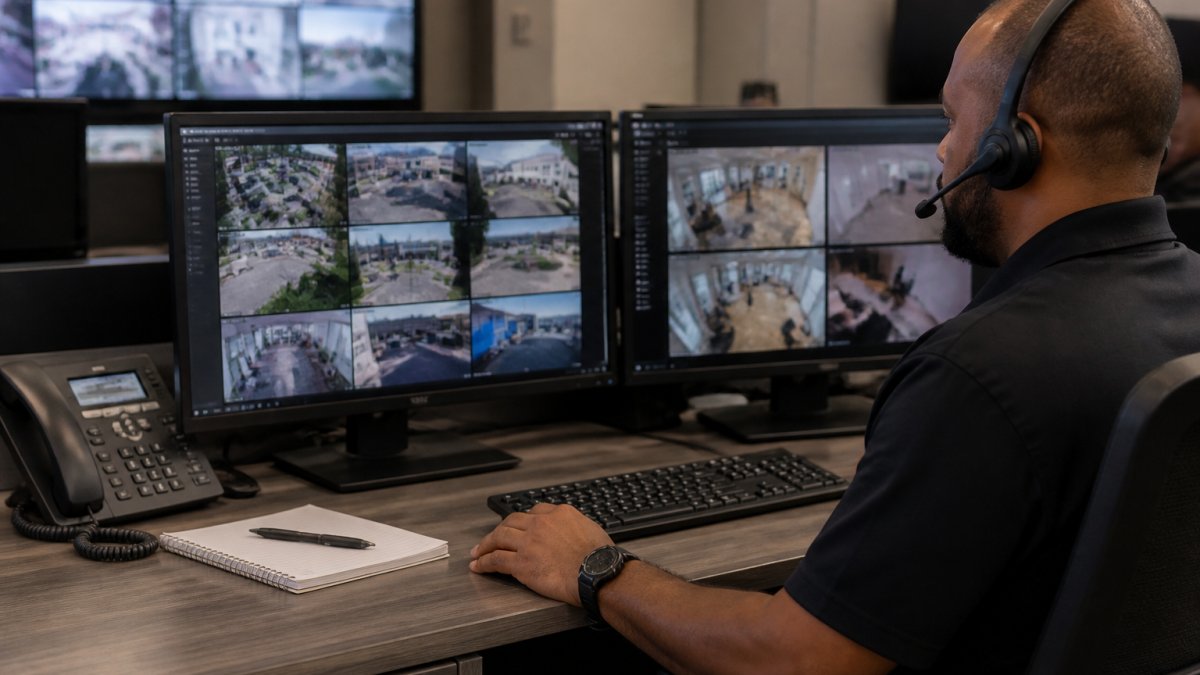
Human review matters for two reasons. It cuts false positives before they reach your team. And it creates a record of judgment, not just detection.
Do not auto-escalate every AI alert without review. A flood of unverified alerts trains your team to ignore the queue, and the one real threat gets buried. Verify first, then escalate.
Step 4: Build a Security Incident Audit Trail Template for Your Sites
A security incident audit trail template keeps every site reporting the same way. Without one, each location invents its own format and nothing compares.
Build a template with these fields:
- Incident ID and site name
- Date, time, and time zone
- Camera ID and location
- Detection type and confidence score
- Reviewer name and decision
- Action taken and outcome
- Linked video clip reference
Use the same template across every site. It makes post-incident analysis fast and gives you a clean record for compliance.
Here is a fill-in version you can copy:
Incident ID: []
Site: [] Camera: []
Detected: [weapon / intruder / vehicle / fire] at [time]
Confidence: [__]% Reviewed by: []
Decision: [confirmed / dismissed] Action: []
Clip reference: []
Step 5: Preserve Video Surveillance Evidence Chain of Custody
Video surveillance evidence chain of custody is the documented path of a clip from capture to courtroom.
**1.
2. Write-once storage. Store exported clips and matching log entries on media that cannot be silently overwritten, WORM storage, object-lock buckets, or a write-once archive.
**3.
4. Timestamp verification. Confirm the camera’s clock was synced to a trusted time source at capture, and record that sync status in the trail. A clip with an unverified timestamp is easy to challenge. To preserve the chain in practice:
- Export the clip as soon as an incident is confirmed, before retention rotation
- Generate and record the file hash at export time
- Store the clip with its manifest and matching log entries on write-once media
- Restrict access to the stored file to approved roles
- Log every time the file is viewed, copied, or moved
- Re-verify the hash before handing the file to anyone outside your organization
The audit trail and the clip have to travel together. A clip with no log is just a video. A log with no clip is just a claim.
The National Institute of Standards and Technology digital evidence guidance offers useful direction on handling digital evidence so it stays admissible.
Do not rely on the video management system’s default export. Many systems export a re-encoded clip that does not match the original stream, which breaks the hash chain. Configure exports to preserve the original encoding, or document the re-encoding step in the manifest.
Chain of custody is not paperwork, it is cryptography plus process. Hash the file, lock the storage, ship the manifest, and verify the timestamp. Do those four things and the footage defends itself.
Step 6: Set Security Camera Event Log Retention and Privacy Protection Rules
Security camera event log retention decides how long you keep records; privacy protection decides how you keep them safe. Get both wrong and you either lose evidence or create liability. Set retention based on your needs and legal duties, many organizations keep logs longer than footage, since logs are small and footage is large, keeping logs for the full incident-review window and footage for the shorter operational window.
Protect personal data with these steps:
- Limit log access to approved roles
- Encrypt logs at rest and in transit
- Mask or restrict sensitive footage
- Document your retention and deletion rules
Check your obligations against state and federal rules. The Federal Trade Commission guidance on data security is a good starting point for protecting the personal data your cameras capture.
Step 7: Validate the Trail and Track Operational Metrics
A trail you never test is a trail you cannot trust. Validate it on a schedule.
Run these checks:
- Trigger a test alert and confirm it logs correctly
- Confirm timestamps match across devices
- Verify that role permissions block the wrong users
- Confirm that edits and deletions create their own entries
- Review a sample of incidents for completeness
Then track a few metrics over time:
| Metric | What It Tells You | Target Direction |
|---|---|---|
| False positive rate | Alert quality | Lower |
| Review time per alert | Team workload | Lower |
| Log completeness | Audit readiness | Higher |
| Time to verified alert | Response speed | Lower |
If false positives climb, tighten camera-specific sensitivity settings. If review time climbs, your queue needs better filtering.
The audit trail is only as strong as its weakest step. Validate it on a schedule, or you will discover the gap during an investigation instead of before one.
A security camera AI audit trail only earns its keep when it holds up under real scrutiny. Too many systems log alerts but skip the human decisions, the access records, and the chain of custody that make the record usable. Get started with MDI AI Detection and turn your existing cameras into a system you can prove.
Frequently Asked Questions
What information should a security camera AI audit trail record?
A complete camera AI audit trail should capture event timestamps, camera identifiers, the AI model version and context that triggered detection, source data and video inputs, user and AI agent activity, alert verification decisions, and any human review notes. It should also log access controls, role-based permissions, and every export or playback action. This level of detail supports incident response, post-incident analysis, and audit readiness.
How can you tell whether an AI camera alert is a false alarm?
Review the audit trail entry for that alert: check the detection confidence, the model context, and the source video segment. If a human reviewer confirmed or rejected the alert, that decision should be logged with a timestamp and reviewer identity. Camera-specific sensitivity settings also reduce false positives at the source. Over time, tracking false positive rates per camera helps you tune thresholds and improve accuracy.
How long should security camera audit logs and video evidence be retained?
Retention depends on your regulatory requirements and incident history. Many organizations retain audit logs for at least one year and video evidence longer for incidents under investigation. Build a retention schedule that separates routine event logs from evidence tied to active cases, and document the deletion policy. Encryption and access controls should protect logs throughout the retention period.
Can an AI security camera system keep working during an internet outage?
On-site AI servers process video locally, so detection continues even when the internet goes down. Alerts can still reach your team through local network paths or queue for delivery once connectivity returns. This offline resilience matters for warehouses, schools, and multi-site retail locations where outages are common. Confirm your setup includes failover so a single server failure does not blind an entire site.