

Last Updated: October 30, 2026
Quick Summary
An on-premise AI security server runs video analytics on hardware at the site, so detection of weapons, intruders, vehicles and fire keeps working during internet outages and footage stays on your network. It shifts control and data handling in-house, but it also shifts the security and maintenance responsibility to your team or integrator.
- Detection continues locally when the internet connection fails.
- Video stays on site, so you control who accesses footage and where it is stored.
- Plan for higher upfront hardware cost, but often lower recurring cost per camera at scale.
- Your team or integrator takes on patching, access reviews, and incident response.
- Specify failover per site, since a single server is a single point of failure.
Table of Contents
- What an On-Premise AI Security Server Does
- On-Premise AI vs. Cloud AI: Where the Real Differences Lie
- Data Privacy, Residency and Control Benefits
- Keeping Detection Running During Outages
- Planning an On-Premise AI Server Deployment
- Cost and Total Cost of Ownership for AI Security Servers
- Deciding Whether On-Premise AI Fits Your Sites
- Frequently Asked Questions
Security teams running more than a handful of sites face a familiar problem: cameras that record everything but alert on too little that matters. An on-premise AI security server moves video analytics onto hardware at the site, so detection of weapons, intruders, vehicles and fire happens locally, before an alert ever leaves the building. This guide explains what the investment buys, where the trade-offs sit and how to decide whether it fits.
What an On-Premise AI Security Server Does
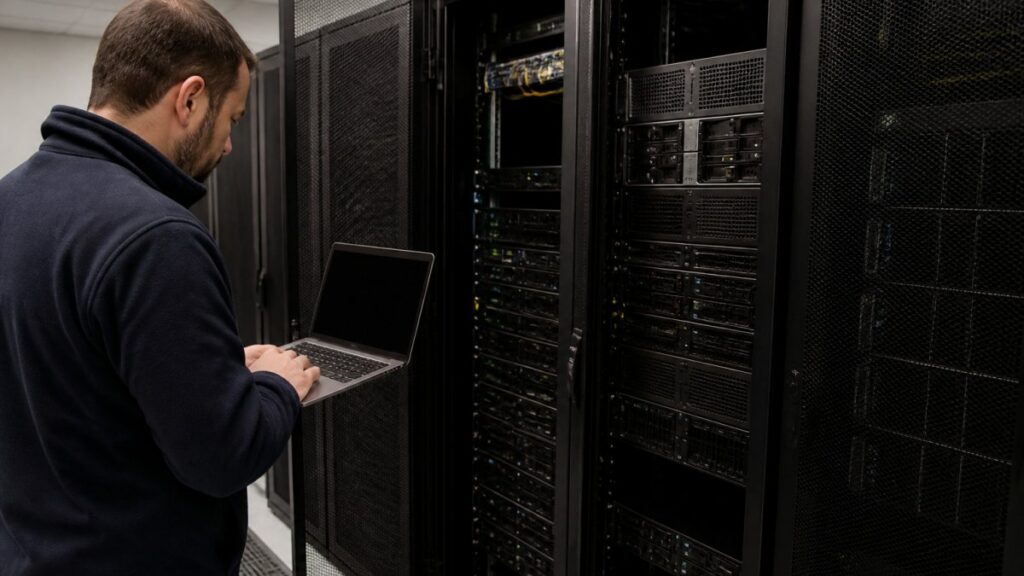
An on-premise AI security server is a dedicated computer installed at the site that runs video analytics on the camera feeds already in place.
The server receives streams from existing IP cameras and recorders, runs detection models for specific object classes, and routes confirmed alerts to a monitoring station or internal team.
The practical result is that detection keeps working on site even when the internet connection does not.
On-Premise AI vs. Cloud AI: Where the Real Differences Lie
Cloud AI analytics are simpler to start with, since the vendor hosts everything. On-premise AI shifts the work and control to your side of the network. The differences that matter most are control, latency, data handling and recurring cost.
| Factor | On-Premise AI | Cloud AI |
|---|---|---|
| Video location | Stays on site | Streamed to vendor |
| Behavior during outages | Keeps detecting locally | Depends on connection |
| Upfront cost | Higher (server hardware) | Lower |
| Recurring cost | Typically lower per camera at scale | Often per-camera subscription |
| Bandwidth demand | Low (alerts only) | High (continuous video) |
| Vendor dependency | Lower | Higher |
Pros of on-premise:
- Detection continues during internet outages
- Video does not leave your network
- Predictable costs as camera count grows
Cons of on-premise:
- Higher upfront hardware investment
- Your team or integrator takes on maintenance responsibility
Pros of cloud:
- Faster to deploy with minimal site hardware
- Vendor handles updates and infrastructure
Cons of cloud:
- Ongoing dependence on connectivity and the vendor’s uptime
- Recurring costs that climb with each added camera
Neither option is universally better. Cloud analytics may suit deployments with few cameras and reliable connectivity. On-premise may suit multi-site operations where connectivity is uneven.
Data Privacy, Residency and Control Benefits
Keeping video on site gives you direct control over who can access footage and where it is stored. For organizations handling sensitive footage, that control can matter. But local hosting is not automatically secure; the benefits only materialize when the deployment is architected with the same rigor you would apply to any security-sensitive system.
From Local Hosting to a Defensible Security Architecture
An on-premise AI server sits on your network and processes sensitive video, so treat it as a security asset, not an appliance. A practical architecture covers identity, network, data, and model-serving layers.
- Identity and access control: Integrate the server with your existing directory (for example, Active Directory or LDAP) so access is role-based and revocable. Require multi-factor authentication for administrative access, and separate read-only monitoring roles from configuration roles. Review access quarterly; most breaches in on-premise systems trace back to stale accounts and shared credentials.
- Network segmentation: Place the AI server on a dedicated VLAN with strict firewall rules. Camera streams should reach the server over an isolated camera network, and the server should reach the monitoring station and update services through explicit allow-listed paths. Do not expose the management interface to the internet; use a VPN or zero-trust access broker for remote administration.
- Encryption: Encrypt video at rest using full-disk encryption or an encrypted storage volume, and encrypt alert traffic and management sessions in transit with TLS. Manage keys in a dedicated secrets manager or hardware security module rather than in configuration files.
Local processing removes the cloud vendor from your data path, but it also transfers the security responsibility to your team. Confirm in writing which controls the vendor manages and which your integrator or IT staff owns.
:::
AI-Specific Attack Risks and Mitigations
Traditional security controls are necessary but not sufficient for an AI system. Detection models and retrieval pipelines introduce attack surfaces that generic network security does not address.
| Risk | What it looks like | Practical mitigation |
|---|---|---|
| Prompt injection | Crafted inputs or metadata manipulate a model’s behavior or output | Constrain model inputs, validate and sanitize metadata, and avoid exposing free-form instructions to untrusted sources |
| Data poisoning | Tampered training or tuning data degrades detection accuracy | Use trusted data sources, version datasets, and validate model performance against a held-out benchmark before deployment |
| Model theft | An attacker extracts or copies proprietary detection models | Restrict model artifact access, encrypt model files at rest, and log artifact downloads |
| Insecure model artifacts | Unsigned or unverified model files introduce malware or backdoors | Verify signatures and checksums, and source models only from the vendor’s authenticated update channel |
| Retrieval-system exposure | If the deployment includes retrieval or search over footage metadata, weak access controls can leak sensitive records | Apply the same role-based access and encryption to retrieval indexes as to raw video |
The highest-value controls are the least glamorous: strict access reviews, signed model updates, and segmented networks. Build those first, then layer AI-specific monitoring on top.
Residency and Chain of Custody
On-premise deployment supports a clean chain of custody. Because processing and storage stay within your own infrastructure, you define the access controls, retention periods and audit logging. Document retention schedules, export procedures, and hash-verification steps so any clip you produce can be shown to be unaltered.
Control also extends to the detection logic itself. Camera-specific sensitivity settings let you tune how the system responds to each location. Tuning sensitivity per camera can reduce false alarms.
Privacy and control are real benefits of on-premise AI, but they are outcomes of architecture, not automatic properties of local hosting. Budget for identity integration, segmentation, encryption, and AI-specific controls before you count the benefit.
Keeping Detection Running During Outages
A common concern about on-site servers is that a failed server could create blind spots across an entire location. That is a legitimate concern, and the answer depends on deployment design.
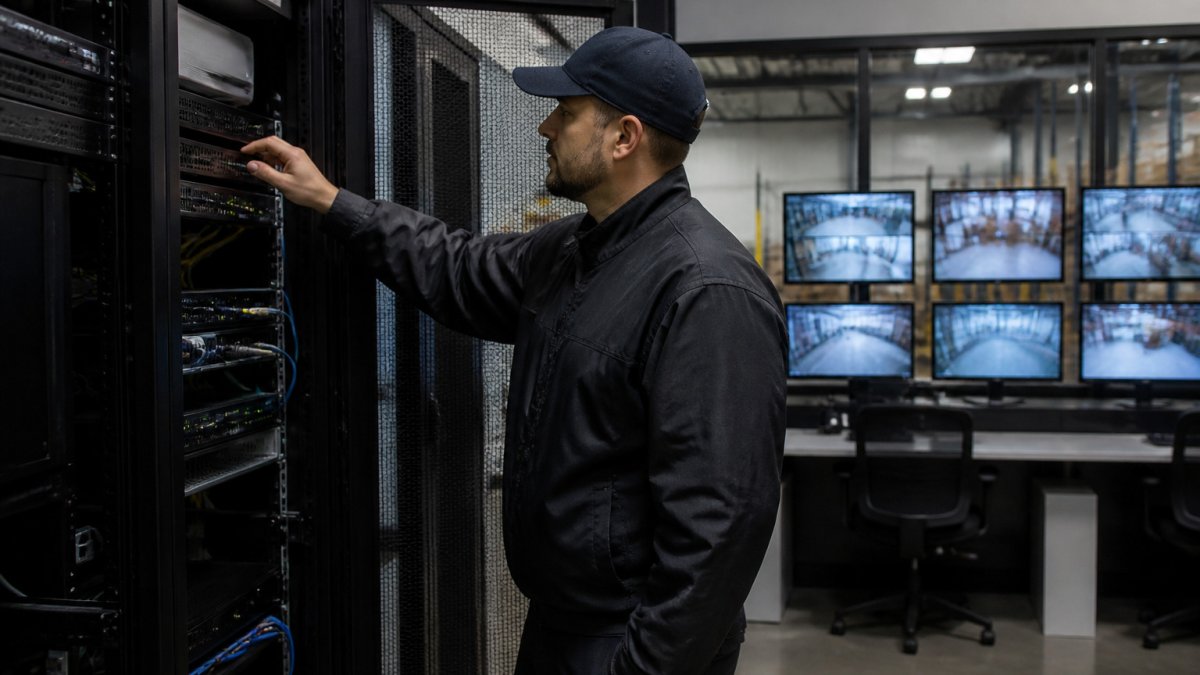
On-site AI processing means detection continues when the internet is down, because the analytics never depended on a wide-area connection. Outbound alerts may queue until connectivity returns, while on-site alarms and recording continue.
Failover Options Worth Specifying
A single server is a single point of failure. Before committing, ask how the design handles a server fault and what happens to camera feeds during the switch.
Common approaches include:
- Redundant servers at high-risk sites, so a second unit takes over camera assignments when the primary fails
- Recorder-side fallback, where recorders keep capturing footage even if analytics are offline
- Automatic health alerts, so your team learns of a failed server immediately rather than discovering a gap later
For a multi-site retailer, redundancy may be worth the cost at flagship or high-theft locations and unnecessary at low-risk ones. Specify failover per site, not as one blanket rule.
Planning an On-Premise AI Server Deployment
Planning before hardware arrives helps a deployment go smoothly. Work through the following steps with your integrator.
- Inventory your cameras and recorders. Record manufacturer, model, resolution and firmware for each. Confirm the platform supports your mix of brands; many operations run cameras from several manufacturers, so verify compatibility per model rather than assuming it.
- Map detection goals to each site. A school perimeter needs different rules than a logistics yard. List the object types you need to detect and the zones where each matters.
- Assess network capacity. Video analytics stay local, but alert traffic, remote configuration and health reporting still cross the network. Check upstream bandwidth at each site.
- Size the server for the camera count. Processing demand scales with the number of streams and the analytics running on each. Get sizing from the integrator based on your actual camera list.
- Plan integration with your monitoring station. Confirm how alerts reach your team. The system integrates with monitoring platforms including Immix and Bold Manitou.
- Pilot one site before rolling out. Run the system at a single location for several weeks, review the alert log, and tune sensitivity before expanding.
Cost and Total Cost of Ownership for AI Security Servers
Total cost of ownership is where on-premise AI earns or loses its case. The full picture includes installation, power and cooling, security tooling, specialist staff time, refresh cycles, and the cost of the false alarms and outages you currently absorb.
Pricing depends on camera count, the number of sites, server sizing and integration requirements, so request a quote from MDI AI Detection for your specific deployment. The structure of the comparison matters more than any single figure.
The Full Cost Stack
Model these line items over a three-to-five-year horizon for your real camera count:
- Capital cost: servers, storage, and installation, paid once per site. Include redundancy at high-risk sites if you specify failover.
- Power and cooling: an AI server draws continuous power and adds heat load. Estimate electricity at your local commercial rate and confirm the site’s cooling capacity before installation.
- Security tooling: endpoint protection, SIEM log ingestion, secrets management, and backup storage are incremental costs that cloud subscriptions often bundle.
Operational Security Lifecycle Costs
The ongoing security work is the most commonly underestimated line. Budget for:
- Patching and vulnerability management: a monthly cadence for OS, container, and application updates, plus a process for emergency patches.
- Model updates: validating and deploying new detection models without disrupting live sites.
- Incident response: a documented runbook for a compromised server, including isolation, forensic capture, and restoration from backup.
- Backups: tested restore procedures for configuration, audit logs, and any retained evidence.
- Secure decommissioning: certified data destruction when a server reaches end of life.
Comparing Against Cloud on Equal Terms
A fair comparison models both options over the same horizon and camera count. Cloud pricing is easy to quote but tends to rise with camera count and retention. On-premise pricing is front-loaded but flattens. Build the model with your actual alert volume and labor rates, and include the risk-adjusted exposure line so the comparison reflects what a security failure would actually cost.
Ask your integrator for a TCO worksheet that separates capital, recurring, staffing, and risk-adjusted lines.
Deciding Whether On-Premise AI Fits Your Sites
On-premise AI fits best where several conditions overlap: many cameras across multiple sites, unreliable connectivity, concern over where footage is processed, and a monitoring operation buried in false alarms. Organizations with a few well-connected cameras may find cloud analytics simpler to start with.
Work through these questions for each site:
- Does the location depend on connectivity that sometimes fails?
- Does the camera fleet already include equipment you want to keep?
- Is the monitoring station overwhelmed by alerts it cannot act on?
If most answers point the same way, an on-premise deployment is worth a serious evaluation. MDI AI Detection serves retail chains, schools, industrial and logistics warehouses, and monitoring stations, with a local team based in New Port Richey, Florida, and designs deployments around the cameras and recorders you already run.
Frequently Asked Questions
What are the benefits of an on-premise AI security server?
An on-premise AI security server analyzes video on site, so footage does not have to leave your network for detection. That keeps video off third-party clouds, gives you direct control over access and retention, and lets detection keep working when the internet connection drops. Because the processing is local, your team can set camera-specific sensitivity and receive verified alerts without depending on a remote service. Benefits depend on your network design, staffing and the platform you choose, so confirm specifics with MDI AI Detection for your sites.
How does an on-premise AI security system work with existing IP cameras?
An on-premise AI security system connects to the IP cameras and recorders you already run and analyzes the video streams locally on a server at the site. It is designed to avoid replacing camera or recorder hardware, though compatibility should be confirmed for your specific models and recorder before deployment. Detections such as weapons, intruders, vehicles and fire can then be forwarded to your monitoring station or response team. For multi-brand camera fleets, ask your integrator to verify each model during a site survey.
Can an on-premise AI security system work during an internet outage?
Yes, because the AI processing happens on a server at the site rather than in a remote cloud, detection can continue when the internet connection is down. Alerts that need to reach people off site will depend on the local network and communication paths you have, so a failover plan matters. Plan for backup connectivity, such as a secondary carrier or cellular path, and confirm with MDI AI Detection how alerts are queued and delivered during an outage at your location.
What should businesses consider when choosing an AI security server?
Start with the number of cameras and sites, the types of threats you need detected, and how alerts must reach your monitoring station or staff. Check compatibility with your existing cameras and recorders, the ability to tune sensitivity per camera to reduce false alarms, and whether the audit trail meets your evidentiary needs. Review failover and maintenance arrangements, and get a written quote that covers hardware, licensing and support. Pricing depends on quantity, site requirements and delivery, so request a quote from MDI AI Detection.
