Table of Contents
- What You’ll Need Before Installation
- AI Camera Placement Best Practices and Coverage Planning
- Coverage calculation is straightforward:
- Integrating AI with Existing Security Cameras and Recorders
- AI Camera Compatibility with NVR and On-Site Processing
- AI Security Camera System Setup and Configuration
- Testing, Tuning, and Validating AI Detection Accuracy
- Common Installation Mistakes to Avoid
- Privacy, Legal Compliance, and Audit Trail Setup
- Frequently Asked Questions
Last Updated: October 18, 2026
What You’ll Need Before Installation
Before you touch a single camera or cable, gather the right equipment. An AI security camera system installation requires more than just cameras and recorders. You need to think about network infrastructure, power delivery, and the AI processing hardware itself.
Here’s what goes into a complete setup:
- IP cameras (existing or new) that output standard video streams
- Network video recorder (NVR) or compatible recording device
- PoE switch or injector for power and data over ethernet
- Ethernet cabling (Cat6 or better, rated for your distances)
- On-site AI server to process video locally
- Monitoring software or integration with your existing platform
- Backup power (UPS) to keep the system running during outages
- Network documentation showing your current infrastructure
Most installations stumble because teams skip the planning phase. You can’t just plug in an AI server and expect it to work across a mixed camera environment. The system needs to understand what cameras you have, where they’re positioned, and what detection zones matter most for your site.
One critical piece: your internet connection doesn’t need to be perfect. Unlike cloud-based AI systems, on-site AI processing means your detection keeps running even when your connection drops. That’s a game-changer for warehouses, retail locations, and schools where downtime isn’t an option.
AI Camera Placement Best Practices and Coverage Planning
Camera placement determines whether your AI actually sees the threats you care about. A poorly positioned camera won’t detect anything, no matter how smart the AI is.
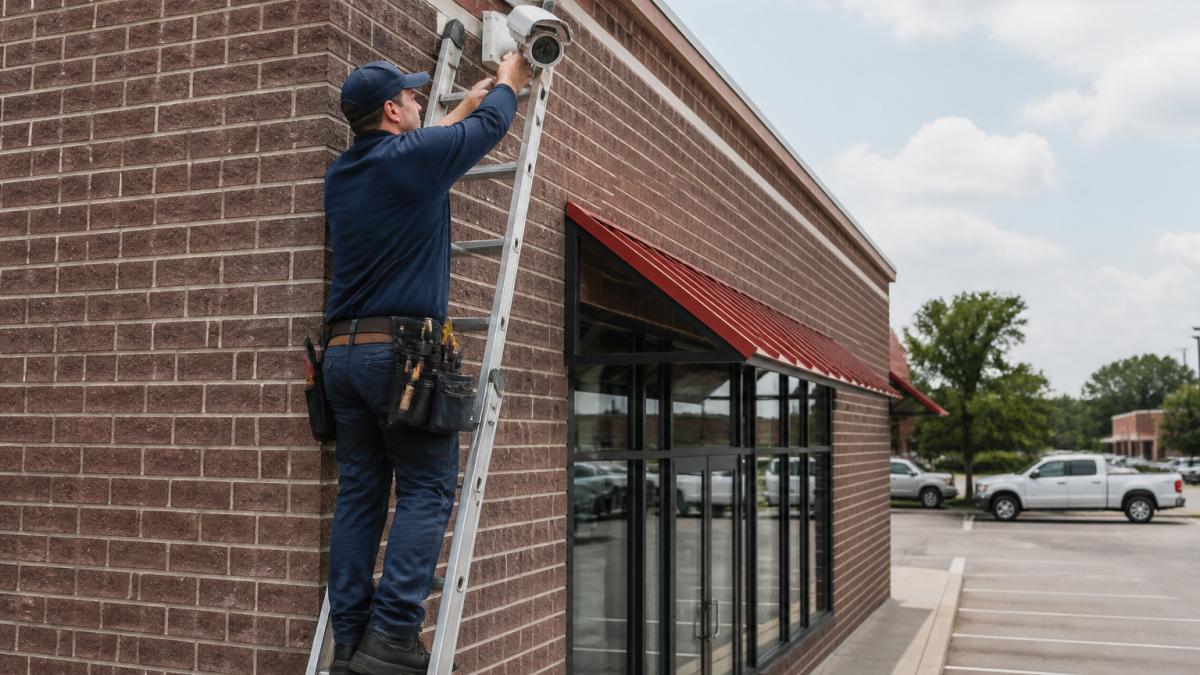
Start with a site survey. Walk your property and identify the critical areas: entry points, high-value asset locations, perimeter edges, and blind spots in your current coverage. Mark these on a floor plan or take photos from different angles.
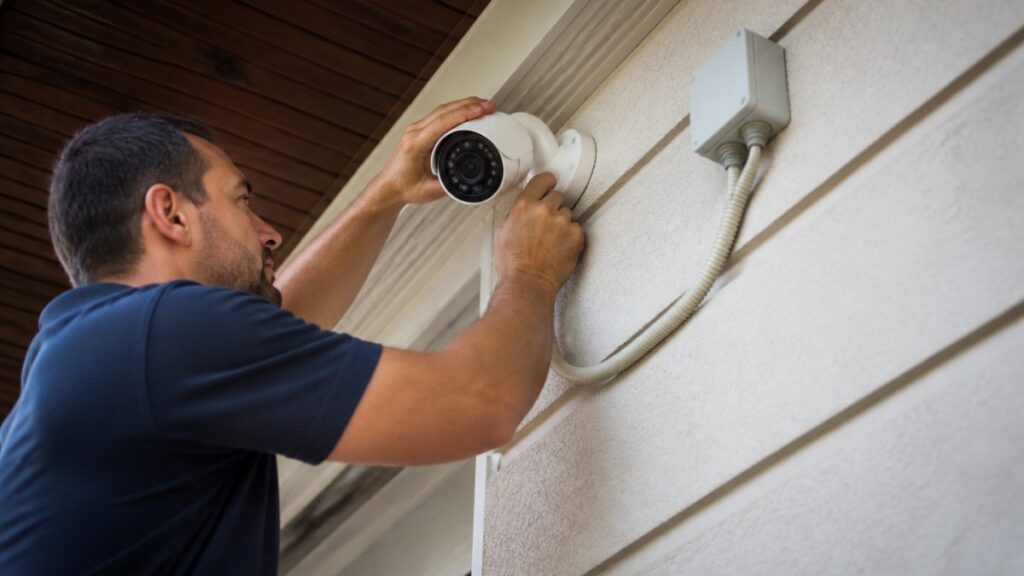
Height and angle matter more than you think. Mount cameras 8-12 feet high at entry points. This height captures faces and vehicle details without being easily tampered with. For perimeter coverage, position cameras at corners where they can see approaching movement from distance.
Coverage calculation is straightforward:
Overlap your coverage zones by 10-15 percent. This catches movement as people or vehicles transition between camera views and provides backup if one camera fails.
Common placement mistakes:
- Mounting cameras too low (people block the view, details get lost)
- Pointing cameras into bright windows or light sources (backlit footage is useless)
- Ignoring blind spots created by building corners or vegetation
- Placing cameras too far from the action (details become too small for AI to process)
Test your camera angles before finalizing installation. Use your phone to walk the property and see what each camera sees. Adjust angles until you’re satisfied with coverage.
Integrating AI with Existing Security Cameras and Recorders
Your existing cameras don’t need to be replaced. An AI security camera system installation works with standard IP cameras you already have, regardless of manufacturer.
Checking IP Camera Compatibility
This is where most integrators get nervous. “Will it work with our Hikvision cameras? What about the Axis units at the other location?” The answer is almost always yes.
IP cameras output a standard video stream. Your AI system connects to that stream the same way your NVR does. If your camera is an IP camera (not analog), it works.
Check these specifications before installation:
- RTSP stream availability: Your camera must support RTSP (Real Time Streaming Protocol)
- Resolution: 1080p or higher gives AI the detail it needs to detect weapons, vehicles, and people accurately
- Frame rate: 15 fps minimum; 30 fps is better for motion detection
- Network access: The AI server needs network access to each camera (same network or routed access)
Most cameras from the last ten years support these specs.
Network Architecture and PoE Power Setup
Your network design determines reliability. A weak network design causes dropped frames, missed detections, and frustration.
Design your network around these principles:
Dedicated VLAN for cameras keeps video traffic separate from office data. This prevents a busy workstation from choking your camera bandwidth.
PoE power delivery means one cable per camera: power and data together. No separate power runs to each camera. PoE switches cost more upfront but save hours of installation labor.
Bandwidth planning: Each camera stream takes roughly 5-15 Mbps depending on resolution and compression. A 16-camera system needs 80-240 Mbps of available bandwidth. Most modern switches handle this, but verify before you commit.
Failover and redundancy: If your main PoE switch fails, all cameras lose power. Add a backup switch or UPS to the primary switch.
Network security matters here. Your AI server sits between your cameras and the internet. Segment it properly so a compromised camera doesn’t expose your entire network. Use firewall rules to restrict what the AI server can access.
AI Camera Compatibility with NVR and On-Site Processing
Your existing NVR doesn’t get replaced either. The AI server works alongside it, not instead of it.
Here’s how it works: Your cameras stream to both your NVR (for recording) and your AI server (for real-time detection). The AI server analyzes the video stream, identifies threats, and sends alerts. Your NVR keeps recording everything for evidence and audit purposes.
This dual-stream approach means you get the best of both worlds. You keep your existing recorder and storage. You add intelligent detection without ripping out infrastructure.
Compatibility check: Your NVR needs to support multiple simultaneous connections to the same cameras.
Storage considerations: The AI server processes live streams. It doesn’t create new recordings.
Processing power: The AI server runs locally at your site. It doesn’t send video to the cloud. This means detection works during internet outages and doesn’t depend on cloud uptime. For schools, warehouses, and retail chains with multiple locations, this is critical.
AI Security Camera System Setup and Configuration
Once hardware is in place, configuration determines detection accuracy.
Configuring Detection Zones and Sensitivity Settings
Not every part of your property needs the same detection sensitivity. A parking lot needs different settings than an entrance. The sky needs different settings than a doorway.
Create detection zones that match your actual security priorities. Don’t enable detection across the entire camera view if half of it is sky or a wall.
For each zone, set sensitivity levels:
- High sensitivity: Catches small movements or distant threats (good for perimeter, parking areas)
- Medium sensitivity: Balances detection and false alarms (good for entrances, hallways)
- Low sensitivity: Ignores minor movements, focuses on significant events (good for areas with vegetation or weather effects)
Test your settings with real activity. Have someone walk through the zone at normal speed. Run a vehicle through the parking area. See what triggers alerts and what doesn’t.
Tuning reduces false alarms. This is where MDI AI Detection’s camera-specific settings make a real difference. You don’t use one sensitivity level for all cameras. Each camera gets tuned to its location and lighting conditions. Refining these detection parameters ensures that your surveillance network remains both accurate and reliable while you prioritize securing smart home data against unauthorized access.
Connecting to Monitoring Stations and Alert Routing
Your alerts need to reach the right people at the right time.
Configure alert routing so verified detections go to your monitoring station or security team. If you use Immix or Bold Manitou, the AI system integrates directly with those platforms.
Test alert delivery before going live. Send test alerts and verify they arrive in the right inbox. Check notification timing, alerts should reach your team in seconds, not minutes.
Alert types matter:
- Critical alerts (weapons, intrusions): Immediate notification to security and monitoring station
- Important alerts (unauthorized vehicles, perimeter breaches): Notification to site manager
- Informational alerts (motion in closed areas): Logged but not immediately escalated
Set up audit logging so every alert creates a timestamped record. This is essential for incident investigation and legal protection.
Testing, Tuning, and Validating AI Detection Accuracy
Before you declare the system live, test it thoroughly.
Run detection tests with real scenarios. Have someone walk through detection zones at different speeds and distances. Drive vehicles through monitored parking areas. Trigger the scenarios your system is designed to catch.
Document what works and what doesn’t. If a detection zone misses events, adjust the camera angle or sensitivity. If you’re getting false alarms from shadows or weather, lower sensitivity in that zone.
Validation checklist:
- All cameras stream to the AI server without errors
- Detection zones cover the intended areas
- Alerts route to the correct recipients
- Recorded video shows clear, usable footage
- The system functions during internet outages
Run this testing over multiple days and different lighting conditions. Night operation, daylight, and twilight all produce different results. Make sure your tuning works across all conditions.
Common Installation Mistakes to Avoid
Learn from others’ missteps. These are the most expensive mistakes we see in the field.
Skipping the network audit. Teams install cameras on whatever network is available without checking bandwidth or security. Then they wonder why detection is spotty. Audit your network first. Upgrade switches and cabling if needed.
Mixing camera manufacturers without testing. Different manufacturers encode video differently. One camera might work perfectly while another drops frames. Test each camera model before rolling it out across multiple sites.
Positioning cameras without a plan. Cameras installed based on convenience rather than coverage create blind spots. Spend time on a site survey. It costs nothing and prevents expensive repositioning later.
Ignoring power redundancy. A single point of failure in your PoE infrastructure means all cameras go dark at once. Add UPS backup to your switches.
Underestimating storage needs. Recording high-resolution video from many cameras takes space. Calculate your storage requirements before installation. Running out of storage mid-incident is a disaster.
Not documenting the system. Write down camera locations, IP addresses, detection zone settings, and alert routing. When something breaks, documentation saves hours of troubleshooting.
Privacy, Legal Compliance, and Audit Trail Setup
Surveillance systems create legal obligations. Handle them correctly from the start.
Privacy masking lets you cover sensitive areas. If a camera views a restroom or private office, mask that area so the AI doesn’t process it and it doesn’t appear in recordings.
Retention policies determine how long you keep footage. Check your state and local regulations. Set your system to automatically delete older footage according to your policy.
Audit trails create accountability. Every alert, every configuration change, every access to video should be logged with a timestamp and user ID.
Chain of custody matters in court. If your system detects a weapon or an intrusion, you need to prove the alert was genuine and the video evidence is authentic.
Document your detection accuracy. If the system flags an event, have a process to verify it actually happened. This verification becomes evidence that your alerts are reliable, not false positives.
Disclosure to employees and visitors is required in most states. Post clear notices that surveillance is in use. This is not just legal protection, it’s the right thing to do.
Installing an AI security camera system doesn’t mean replacing everything you have. Our on-site AI processing works with your existing cameras and recorders, keeps detection running during internet outages, and reduces false alarms through camera-specific tuning.
Frequently Asked Questions
Can AI security software work with existing security cameras?
Yes. On-site AI servers integrate directly with your existing IP cameras and NVR without requiring hardware replacement. The AI processes video locally on your server, so your current camera infrastructure remains in place. This eliminates expensive upgrades and works with cameras from multiple manufacturers across different sites, as long as they output RTSP or ONVIF-compatible video streams.
Do AI security cameras need Wi-Fi or an internet connection?
On-site AI systems function fully offline. The AI server processes video locally, so real-time threat detection, alerts, and recording continue even during internet outages. However, remote monitoring and cloud backup require connectivity. If internet is unavailable, alerts can still reach on-site personnel via local network integration with monitoring stations once connectivity is restored.
Where should AI security cameras be placed for best detection?
Position cameras at entry points, perimeter boundaries, and high-value asset areas. Mount at 8-12 feet high to capture facial features and full-body objects like vehicles. Avoid backlighting and direct sunlight, which reduce detection accuracy. Ensure clear sightlines without obstacles, and plan overlapping coverage to eliminate blind spots. Test field of view before final installation to confirm the AI can detect your target threat types.
How do you test AI camera alerts after installation?
After configuring detection zones and sensitivity, conduct a test run by walking through the monitored area, driving a vehicle past cameras, or using test objects to trigger detection. Verify that alerts reach the correct personnel or monitoring station platform with accurate timestamps and video clips. Review false alarm rates in the first week and adjust camera-specific sensitivity settings to reduce noise while maintaining detection of genuine threats.