
Last Updated: November 1, 2026
Quick Summary
AI security analytics for stations uses on-site machine learning to classify camera events in real time and send only verified alerts to staff or a monitoring station. It works with the IP cameras and recorders a site already owns, filtering noise at the edge so real threats are not buried in false alarms.
- The analytics server reads existing IP camera streams and extracts signals like object type, direction, dwell time and zone entry.
- Set sensitivity per camera, since a busy entrance needs different tuning than a locked service door.
- Integration is a configuration job: inventory cameras, confirm network access, connect the recorder, then set zones and tune.
- Start strict and loosen only where you see missed events, because loose tuning flags every passing shadow.
- Every alert should carry a timestamped audit trail so you can prove an event later.
Table of Contents
- What AI Security Analytics for Stations Actually Changes
- The Data Your Station Cameras Already Produce
- AI Video Analytics for Train Stations: Threats It Detects
- Integrating AI Analytics with Existing IP Cameras
- AI Threat Detection for Transit Hubs: Weapons, Intruders, Fire
- AI Security Staffing Optimization Without Video Wall Monitoring
- Common Mistakes When Deploying Station Analytics
- Book a Demo to See On-Site Detection at Your Station
- Frequently Asked Questions
What AI Security Analytics for Stations Actually Changes
AI security analytics for stations changes one thing above all: it turns a flood of raw camera footage into a short list of verified events your team can act on. That shift matters because station and transit security teams already have cameras. What they lack is a reliable way to tell a real threat from a swaying tree branch at 2 a.m.
At MDI AI Detection, we build on-site AI servers that work with the IP cameras and recorders a site already owns. No rip-and-replace. No streaming every frame to a third-party cloud.
The core problem is noise. A station with dozens of cameras generates more alerts than any monitoring station can review. Each false alarm pulls attention away from a real one. AI analytics filters at the edge, so only events that match a defined threat pattern reach a human. Refining these detection parameters across other security hardware helps reduce detector false alarms and ensures that personnel remain focused on genuine safety concerns.
AI security analytics is the use of on-site machine learning to classify camera events in real time and send only verified alerts to staff or a monitoring station.
Below, we break down what the system reads, what it catches, how to wire it into existing hardware, and where deployments go wrong.
The Data Your Station Cameras Already Produce
Your cameras already produce the data an AI system needs. Nothing new has to be installed to start.
Each IP camera outputs a continuous video stream. The analytics server reads that stream and extracts signals from it:
- Motion and object type: a person, a vehicle, or an animal.
- Direction and speed: someone walking toward a platform edge versus crossing a concourse.
- Dwell time: a bag left in place, or a person standing at a fence line.
- Zone entry: crossing into a track area, a restricted room, or a parking structure.
- Visual signatures: the shape of a weapon, a flame, or smoke.
The system scores each signal against rules you set per camera. A camera aimed at a busy entrance needs different sensitivity than one watching a locked service door. That per-camera control is where false alarm reduction actually happens. For more tactics, see how to reduce false alarms from security cameras.
The National Institute of Standards and Technology publishes guidance on securing the underlying camera network, which is worth reviewing before you connect anything.
AI Video Analytics for Train Stations: Threats It Detects
AI video analytics for train stations detects threats in real time by matching live camera input against trained object and behavior models. The system flags the event and sends a verified alert, not a raw motion trigger.
The threats that matter most at a station fall into a few groups:
- Weapons: a visible firearm or knife in a concourse or platform area.
- Intruders: a person entering track beds, tunnels, or fenced yards.
- Vehicles: a car or truck in a pedestrian zone or stopped where it should not be.
- Fire and smoke: early visual signs before a detector triggers.
- Loitering and left objects: a bag or package left unattended past a set time.
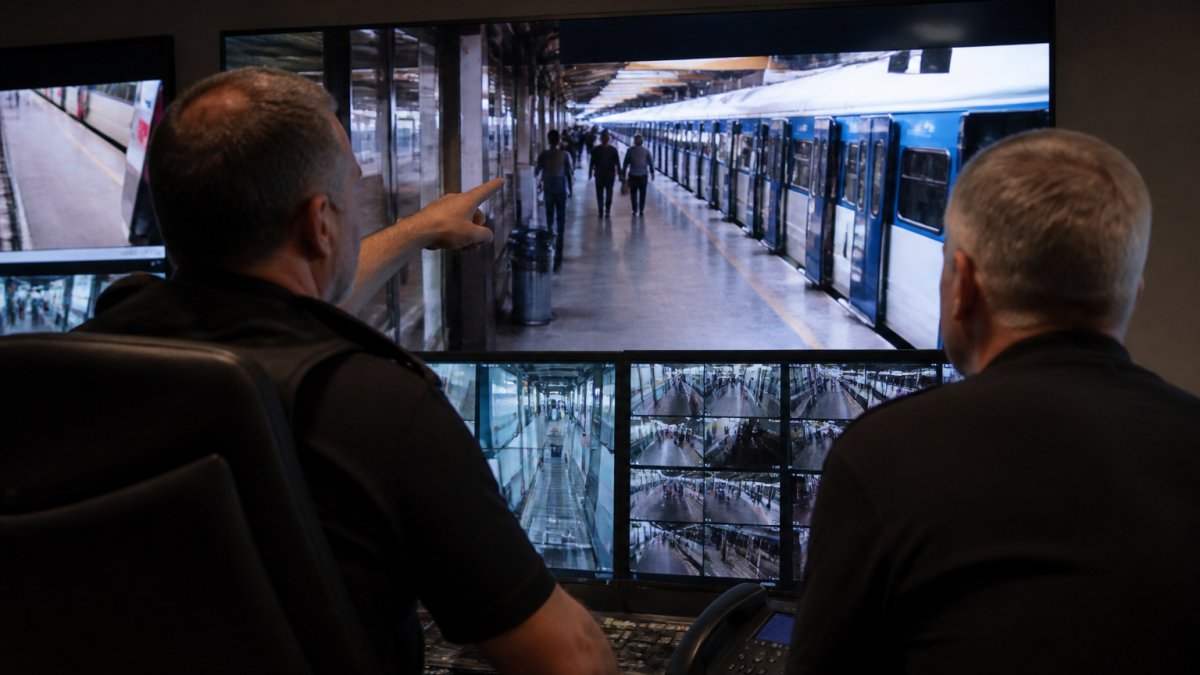
Staff see the event, not a wall of video.
Integrating AI Analytics with Existing IP Cameras
Integrating AI analytics with existing IP cameras is mostly a configuration job, not a hardware replacement. The AI server connects to your network, discovers the cameras and recorders already in place, and pulls their streams locally.
Here is the sequence we walk integrators through:
- Inventory the cameras. Note make, model, resolution, and firmware for each one.
- Confirm network access. The server needs a route to each camera or recorder, usually on a dedicated VLAN.
- Connect the recorder. The AI server reads from the NVR or DVR so you keep existing storage.
- Set zones per camera. Draw the areas that matter: platforms, gates, fence lines, doors.
- Tune sensitivity. Adjust each camera so a swaying sign does not trigger an alert.
- Route the alerts. Send verified events to email, phone, or your monitoring platform.
Mixed manufacturers should be confirmed case by case. Compatibility is checked against each camera before deployment.
AI Threat Detection for Transit Hubs: Weapons, Intruders, Fire
AI threat detection for transit hubs works by running several detection models at once on the same camera feed. One model looks for weapons, another for intruders, another for fire and smoke.
What separates a useful system from a noisy one is verification.
For schools and campuses near transit stops, the same logic applies to perimeter monitoring. A person hopping a fence at a bus depot is the same event type as one at a school yard. The detection is consistent; only the zones change.
Watch out: a system tuned too loosely will flag every passing shadow. Start strict, then loosen only where you see missed events.
AI Security Staffing Optimization Without Video Wall Monitoring
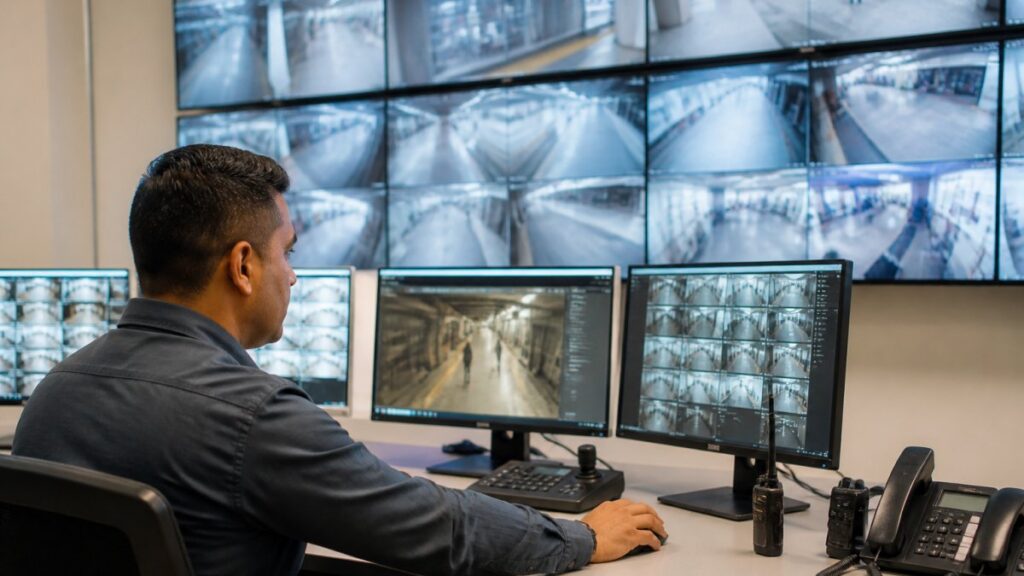
AI security staffing optimization means you stop paying people to stare at screens and start paying them to respond to verified events. That is the real labor story, not headcount cuts.
Constant video wall monitoring is expensive and hard to sustain. Attention drops. Operators miss things (Human errors and their prevention in healthcare). AI analytics replaces passive watching with active triage:
- Alerts arrive only when something matches a rule.
- Each alert includes evidence, so response is faster.
- Staff focus on incidents, not on scanning empty platforms.
For multi-site operators, filtering noise can change how staff time is allocated. Read more on how to reduce security monitoring labor costs without losing coverage.
The trade-off is real: you still need a response plan. AI detects; people decide and act.
Common Mistakes When Deploying Station Analytics
The biggest deployment mistake is treating AI analytics as a set-and-forget install. It is not. The system needs tuning, and the tuning is where most of the value lives.
Here is what we see go wrong, and the fix for each:
| Mistake | What Happens | Fix |
|---|---|---|
| One sensitivity setting for all cameras | Constant false alarms | Set sensitivity per camera |
| No defined zones | Alerts on irrelevant motion | Draw zones for each camera |
| Skipping the camera audit | Compatibility surprises mid-rollout | Inventory hardware first |
| No response plan | Alerts pile up unread | Assign owners per alert type |
| Ignoring the audit trail | Can’t prove an event later | Keep timestamped evidence |
Two more traps deserve a mention. First, teams often skip the ROI math and then struggle to justify the spend. Use this AI video detection ROI calculation guide to scope the deployment correctly. Second, some sites chase every possible detection at once. Start with the threats that actually occur at your location, then expand.
A common mistake is underestimating how much per-camera tuning reduces noise.
Book a Demo to See On-Site Detection at Your Station
The fastest way to judge whether this works for your site is to see it running on your own cameras. A demo on your hardware answers the questions a spec sheet cannot.
Here is what to weigh as you decide:
- Does it run on-site? Alerts keep working during internet outages because processing is on-site.
- Does it fit your cameras? Confirm support for the makes and models you already own.
- Does it cut noise? Ask how per-camera sensitivity is set and tested.
- Does it prove events? Check that every alert carries a timestamped audit trail.
- Does it reach your station? Confirm integration with your monitoring platform.
MDI AI Detection runs on-site AI servers that work with your existing IP cameras and recorders, with no video streamed to a third-party cloud. Alerts route to your team or monitoring station through platforms like Immix and Bold Manitou, and every event keeps a court-ready audit trail. Our local team in New Port Richey, Florida supports integrators and operators directly.
You can book a demo to schedule an on-site demonstration at your station.
Frequently Asked Questions
How does AI security analytics work in stations?
On-site AI servers process video from your existing IP cameras and look for specific patterns: a person carrying a weapon, someone crossing a restricted track area, a vehicle in a pedestrian zone, or smoke and fire signatures. When the system detects a match, it sends a verified alert with a video clip to your team or monitoring station through platforms like Immix or Bold Manitou. Because processing happens locally, alerts continue during internet outages.
What threats can AI video analytics detect at a station?
AI video analytics for train stations typically detect weapons, intruders, vehicles, and fire in real time. At a transit hub, that means spotting a person with a firearm on a platform, someone jumping tracks, a car entering a bus-only lane, or smoke near a ticket hall. The system can also flag loitering in restricted zones and unauthorized access to equipment rooms. Each alert includes a clip so staff can verify before dispatching a response, which reduces wasted trips from false alarms.
How can stations add AI analytics to existing security cameras?
You do not need to replace cameras or recorders. Integrating AI analytics with existing IP cameras works by connecting an on-site AI server to your camera network and video management system. The server pulls the video stream, runs detection models locally, and sends alerts to your monitoring station. Before deployment, confirm camera compatibility across manufacturers and set camera-specific sensitivity to filter out known false triggers like swaying signs. This approach avoids ripping out infrastructure your IT team recently installed.
Can AI security analytics work without cloud connectivity?
Yes, when the AI processing runs on an on-site server rather than in the cloud. Local processing means detection and alerting continue during internet outages, which matters for warehouses and stations with unreliable connections. Alerts can still reach phones or monitoring stations over the local network, and clips are stored locally for review. Ask providers whether their system streams video to a third-party cloud, because that design creates both reliability and privacy tradeoffs you may not want.
Station security does not fail because of too few cameras. It fails because the alerts never get sorted. MDI AI Detection gives you real-time detection of weapons, intruders, vehicles, and fire, per-camera sensitivity that cuts false alarms, and verified alerts with a court-ready audit trail. Get started with MDI AI Detection and turn your existing cameras into a system your team can actually trust.
