

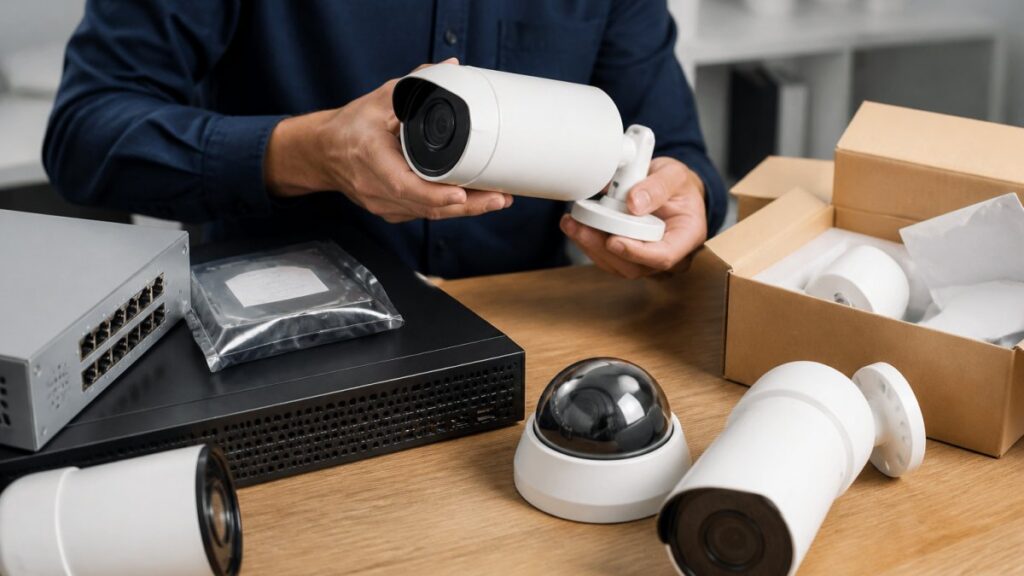
Table of Contents
- What Enterprise AI Security Solutions Must Deliver in 2026
- Top Enterprise AI Security Solutions for 2026
- AI Cybersecurity Solutions for Enterprises: Protecting Data and Networks
- AI-Powered Physical Security Systems: Real-Time Threat Detection
- AI Security Implementation Best Practices for Multi-Site Operations
- On-Premises AI Security: Reliability When the Internet Fails
- How to Evaluate and Choose the Right Solution
- Future Trends in Enterprise AI Security
- Frequently Asked Questions
Last Updated: October 7, 2026
What Enterprise AI Security Solutions Must Deliver in 2026
Enterprise AI security solutions in 2026 are judged by one standard: can they turn thousands of camera feeds into a handful of verified alerts your team can act on? At MDI AI Detection, we’ve spent 18 years installing and supporting security systems, and the gap between what vendors promise and what actually works on site has never been wider.
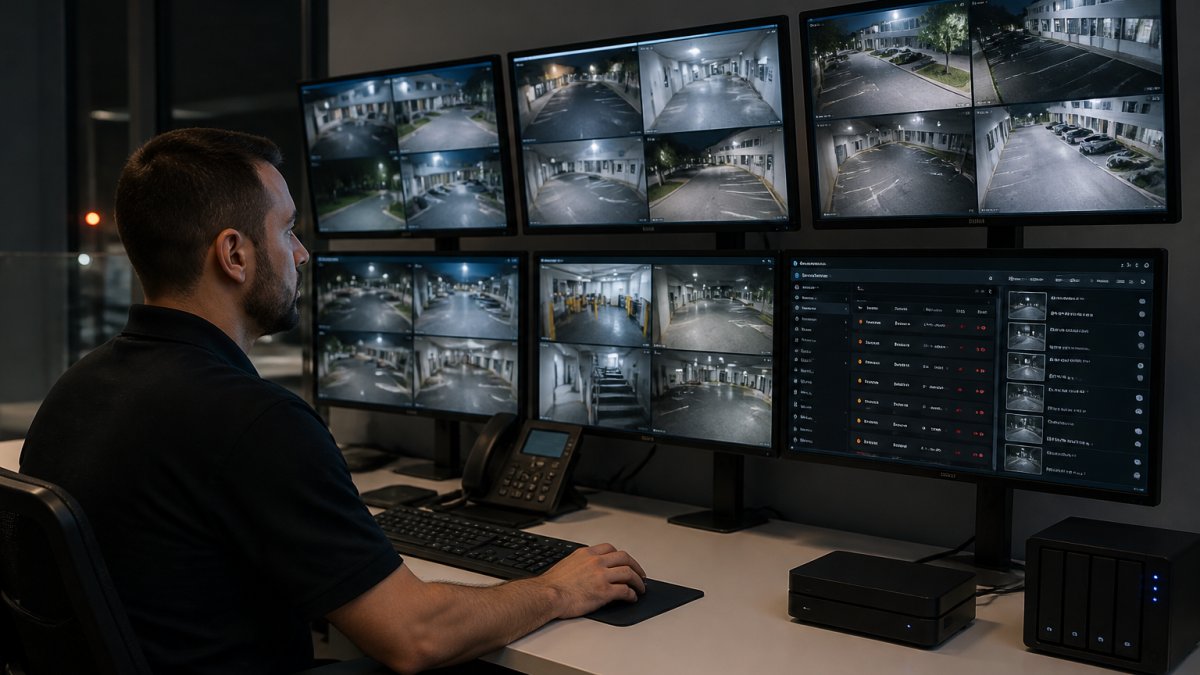
The shift is straightforward. Cameras got cheap; attention did not. A 12-site retail chain may run hundreds of cameras, but staffing a video wall around the clock is expensive and unreliable. Detection that runs on-site and filters out the noise is what separates a useful system from an ignored one.
Top Enterprise AI Security Solutions for 2026
Five categories cover most enterprise deployments in 2026: on-site AI detection servers, cloud-native video analytics, access control overlays, cybersecurity AI platforms, and hybrid edge-cloud systems. Each fits a different budget, infrastructure, and risk profile. Below is how they compare before we break down each one.
|
Solution Type |
Processing Location |
Works Offline |
Best For |
|---|---|---|---|
|
On-site AI detection servers |
Local hardware |
Yes |
Multi-site operations with unreliable internet |
|
Cloud-native video analytics |
Vendor cloud |
Yes |
Single sites with strong connectivity |
|
Access control AI overlays |
Local or cloud |
Yes |
Door and entry management |
|
Cybersecurity AI platforms |
Cloud and endpoint |
Yes |
Data and network protection |
|
Hybrid edge-cloud systems |
Split |
Yes |
Large distributed enterprises |
Solution 1: MDI AI Detection
MDI AI Detection is our top pick for most multi-site operations because it runs detection on local servers that connect to the IP cameras and recorders you already own. There is no rip-and-replace project, and no video leaves your network for a third-party cloud.
The system detects weapons, intruders, vehicles, and fire in real time. Because processing happens on site, alerts keep flowing when the internet drops, which matters at warehouses and industrial sites where connectivity is unreliable.
Integration with monitoring stations runs through Immix, Bold Manitou, and similar platforms, so existing monitoring relationships stay intact. We’re based in New Port Richey, Florida, and we’ve been integrators since 2008.
You can add cameras for free and run the service for seven days to see how it performs on your own sites before committing.
Solution 2: Cloud-Native Video Analytics Platforms
Cloud-native platforms process video in the vendor’s cloud rather than on your premises. Setup is fast, updates roll out automatically, and there is no server hardware to maintain.
The trade-off is dependency. Every camera feed has to stream to the cloud, which consumes bandwidth and stops the moment connectivity fails. For a single site with fiber and a backup connection, that trade-off is often acceptable. For a 15-location operation with mixed connectivity, it becomes a liability. Data residency and privacy reviews also take longer when video leaves your network.
Solution 3: Access Control AI Overlays
Access control overlays add AI to doors, gates, and entry points. They handle tailgating detection, unauthorized badge use, and loitering at entrances.
These tools solve a narrow problem well. Where they fall short is coverage: they see doorways, not parking lots, loading docks, or perimeter fences. Most enterprises run an overlay alongside a broader detection system rather than instead of one.
Solution 4: Cybersecurity AI Platforms
Cybersecurity AI platforms protect data and networks, not physical space. They watch for anomalous login behavior, lateral movement inside a network, and unusual data transfers.
These belong in every enterprise stack, but they do not detect a person climbing a fence. Physical and cyber security remain separate budgets and separate teams in most organizations, and treating them as one purchase leads to gaps on both sides.
Solution 5: Hybrid Edge-Cloud AI Systems
Hybrid systems split processing: lightweight detection runs on edge devices, and heavier analysis runs in the cloud.
The model works well when connectivity is generally reliable but not guaranteed. The complexity sits in management. Two processing environments mean two sets of firmware, two update cycles, and more places for something to break. Budget for the operational overhead, not just the license.
AI Cybersecurity Solutions for Enterprises: Protecting Data and Networks
AI cybersecurity solutions for enterprises focus on protecting data, identities, and network traffic, and they operate on a different plane than physical detection. They flag anomalous access patterns, unusual data movement, and credential misuse before those become breaches.
The practical mistake we see is treating cyber and physical security as competing purchases. They are not. A retail chain needs both: one system watching the network, another watching the loading dock. When you evaluate vendors, ask how their platform shares context with the other side. A forced door alert and a disabled badge reader at the same location tell a better story together than either does alone.
According to CISA guidance on securing operational technology, security programs should account for both information technology and operational technology environments, since physical and digital systems increasingly share networks.
AI-Powered Physical Security Systems: Real-Time Threat Detection
AI-powered physical security systems detect threats as they happen rather than after the fact. That distinction drives the entire value case: a weapon detected at the entrance is a prevented incident, while the same detection reviewed the next morning is only evidence.
Real-time detection depends on three things working together. First, the model has to run somewhere fast enough to matter, which usually means on-site processing rather than a round trip to the cloud. Second, sensitivity has to be tunable per camera, because a loading dock and a school hallway generate completely different motion patterns. Third, alerts have to reach a human who can respond, whether that is your team or a monitoring station.
Get any one of those wrong and the system degrades into noise. That is the most common failure we see in the field.
AI Security Implementation Best Practices for Multi-Site Operations
AI security implementation best practices for multi-site operations come down to staging, tuning, and clear ownership. Roll out one site at a time, tune sensitivity before going live, and name a single person accountable for alert review at each location.
A workable rollout sequence looks like this:
- Pick one representative site and document its camera models and network layout
- Confirm the AI platform supports every camera brand in your fleet, not just the newest
- Set baseline sensitivity per camera based on actual traffic patterns
- Run a trial period and log every alert, then review which were genuine
- Adjust thresholds, then repeat on the next site
- Assign alert ownership and escalation paths before expanding further
The camera compatibility question comes up in nearly every evaluation. Most enterprises run cameras from three or four manufacturers across their sites, and a platform that only supports one brand is a non-starter. Verify compatibility with your oldest cameras, not your newest.
On-Premises AI Security: Reliability When the Internet Fails
On-premises AI security keeps detection running when the internet goes down, because the processing happens on hardware inside your building. That matters more than most buyers expect at the outset.
Warehouses, industrial sites, and rural campuses lose connectivity regularly. A cloud-dependent system goes blind during those windows. An on-site system keeps detecting and keeps alerting, and when the connection returns, the event log is intact.
There is a fair question about server failure. Ask any vendor what happens when the on-site unit goes down, and get the answer in writing before you buy. Look for failover behavior, alert routing to a backup path, and clear recovery steps. A single point of failure with no plan is a risk, not a feature.
How to Evaluate and Choose the Right Solution
Choosing the right platform starts with three questions: does it work with your existing cameras, does it function without internet, and can it prove what it detected?
Run every candidate through the same test:
|
Evaluation Criteria |
What to Ask |
Why It Matters |
|---|---|---|
|
Camera compatibility |
Does it support all our camera brands and recorder models? |
Avoids a hardware replacement project |
|
Offline operation |
What happens during an internet outage? |
Determines coverage at remote sites |
|
Alert accuracy |
How are false alarms reduced? |
Protects monitoring station trust |
|
Audit trail |
Can it produce court-admissible evidence? |
Essential for schools and regulated sites |
|
Monitoring integration |
Does it connect to our existing monitoring platform? |
Preserves current workflows |
Cost is the last question, not the first. Pricing depends on camera count, site count, and integration requirements, so ask for a quote scoped to your actual footprint rather than a list rate. The National Institute of Standards and Technology cybersecurity framework offers a useful structure for mapping requirements before you talk to vendors.
Future Trends in Enterprise AI Security
Two shifts will define enterprise AI security through 2026 and beyond. The first is consolidation: buyers are tired of managing five dashboards and are pushing vendors to cover more ground in one platform. The second is verification, meaning systems that not only detect but document, with audit trails that hold up under legal review.
Expect on-device processing to keep expanding as hardware costs fall. That pushes more intelligence to the edge and reduces the bandwidth bill that cloud-only architectures carry. Expect false alarm reduction to become a headline metric rather than a footnote, because monitoring stations increasingly refuse to absorb noisy feeds.
The organizations that get this right will treat detection as an operations problem, not a procurement one. The technology is available now. The discipline to tune it and staff it is what separates a system that works from one that sits unused.
Frequently Asked Questions
What are the best enterprise AI security solutions in 2026?
The best solution depends on your needs. MDI AI Detection excels for organizations wanting on-premises AI that works with existing IP cameras and integrates with monitoring stations. Cloud-native video analytics platforms offer scalability but require reliable internet. Access control AI overlays enhance entry management, while cybersecurity AI platforms protect networks. Hybrid edge-cloud systems balance local processing with cloud management. Evaluate based on infrastructure compatibility, offline capability, and false alarm reduction.
Can AI security systems work with existing cameras?
Many modern AI security systems are designed to integrate with existing IP cameras and recorders, eliminating the need for costly hardware replacements. For example, MDI AI Detection works with your current IP cameras and recorders, and you can add cameras for free and run the service for seven days to test compatibility. This approach leverages your existing infrastructure while adding AI-driven detection for weapons, intruders, vehicles, and fire.
Can on-premises AI security systems operate during an internet outage?
Yes, on-premises AI security systems process video locally and can continue detecting threats even when the internet goes down. For instance, MDI AI Detection uses on-site AI servers that maintain functionality without cloud dependency, providing reliable verified alerts and a court-ready audit trail regardless of internet connectivity.
How do enterprises evaluate AI security solutions?
Enterprises should evaluate AI security solutions based on several criteria: compatibility with existing cameras and recorders, ability to operate offline, false alarm reduction features (like camera-specific sensitivity settings), integration with monitoring platforms such as Immix and Bold Manitou, total cost of ownership, and audit trail capabilities for legal compliance. Additionally, consider scalability across multiple sites, ease of deployment, and vendor support. A pilot program, such as a seven-day trial with free camera additions, can help assess real-world performance.
Multi-site security teams face a real challenge in 2026: too many camera feeds and too few people to watch them. MDI AI Detection solves that by running detection on site, working with the IP cameras and recorders you already own, and sending only verified alerts to your team or monitoring station. You can add cameras for free and run the service for seven days to see the results on your own sites. Book a demo with MDI AI Detection and put your existing infrastructure to work.