

Last Updated: November 4, 2026
Quick Summary
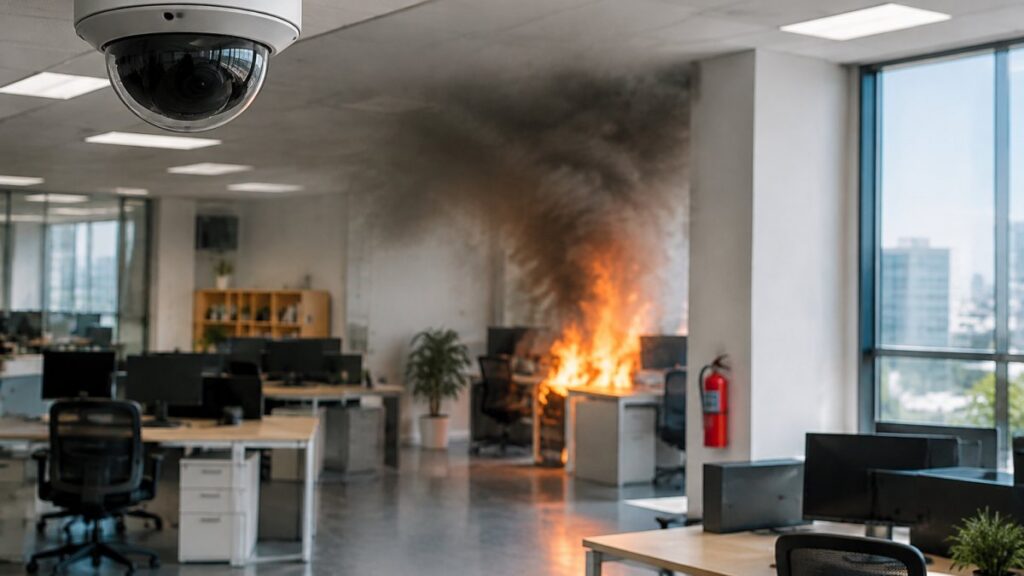
To verify fire alerts from security cameras, pull the event-based recording rather than the live stream and have a person watch the full event window to confirm or dismiss the alert. Check the camera name, alert class, and timestamp first, then cross-check thermal readings and rule out steam, dust, reflections, and sunlight before dispatch.
- Treat every camera fire alert as a detection event until a person confirms it.
- A fire alert with no prior motion is often a sensor artifact.
- Real flame flickers, steam billows, and dust drifts sideways.
- Set sensitivity and confidence thresholds per camera and per zone, not globally.
- Preserve the clip unedited and log who accessed it for a court-ready audit trail.
Table of Contents
- Step 1: Confirm the Alert Type and Camera Source
- Step 2: Pull the Clip and Run Fire Alarm Verification
- Step 3: Read the Visual Evidence the AI Fire Detection Camera Flags
- Step 4: Cross-Check with a Thermal Fire Detection Camera
- Step 5: Rule Out Steam, Dust, and Other False Positives
- Step 6: Apply Video Verification for Alarm Events Before Dispatch
- Step 7: Document the Verification and Keep a Court-Ready Audit Trail
- Book a Demo to Test Verification on Your Own Cameras
- Frequently Asked Questions
Step 1: Confirm the Alert Type and Camera Source
A fire alert from a security camera is only useful if you know which camera sent it and what triggered it.
Most push notifications name the camera and the alert class.
Here’s what to confirm in the first ten seconds:
- Camera name and location (lobby, loading dock, warehouse aisle 4)
- Alert class (visible flame, smoke, or thermal threshold)
- Timestamp against the camera’s clock, not your phone’s
That last point matters more than most guides admit. A camera alert on its own is a prompt to look, not proof.
Treat every camera fire alert as a detection event until a person confirms it.
Step 2: Pull the Clip and Run Fire Alarm Verification
Fire alarm verification is the step where a human confirms or dismisses the alert by watching the actual footage. Pull the clip, watch the full event window, and decide.
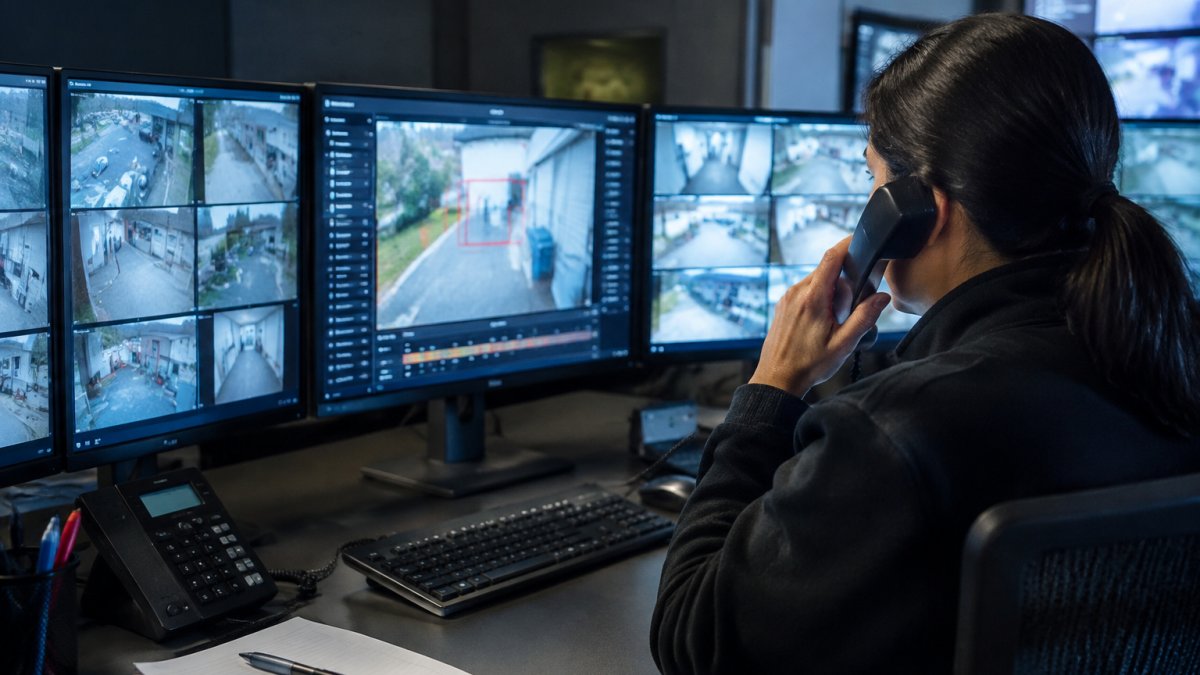
Open the event-based recording, not the live stream. The clip gives you the seconds before the trigger, which is where the answer usually sits.
Reading the Confidence Score and Clip Metadata
A confidence score is the AI’s own estimate of how sure it is that the event is real. Treat it as a sorting tool, not a verdict.
- High score: watch the clip immediately
- Mid score: watch within your normal review window
- Low score: log it and check for a pattern
Metadata matters too. Check the camera ID, the zone, the duration, and whether motion detection fired before the fire alert. A fire alert with no prior motion is often a sensor artifact. A fire alert with motion right before it deserves a hard look.
Step 3: Read the Visual Evidence the AI Fire Detection Camera Flags
An AI fire detection camera looks for specific visual signatures: flicker, color shift, and plume shape. Your job is to confirm those signatures in the footage.
Watch for these, in order:
- Flicker at the base of the suspected fire
- Color in the orange-to-white range, not a flat red
- Plume shape that rises and spreads
- Reflection on nearby surfaces
- Movement that grows rather than drifts
Real flame flickers. Steam billows. Dust drifts sideways. A reflection stays pinned to the surface it sits on.
A 2024 literature review of ground-based video fire detection systems found that video-based detection remains an active research area, which is exactly why human review still matters.
Step 4: Cross-Check with a Thermal Fire Detection Camera
A thermal fire detection camera reads heat, not light. If you have one covering the same zone, check it before you escalate.
Thermal imaging catches what visible-light cameras miss: a hot spot behind a rack, a warming wall, or a heat signature under a loading bay. It also clears false alarms fast, because steam and dust don’t produce the same heat profile as fire.
When Heat Signatures Beat Visible Flame
Heat wins in three situations:
- Low-light or smoky spaces where visible cameras lose contrast
- Hidden ignition behind equipment or shelving
- Reignition risk after a fire is out
If the thermal reading is normal and the visible camera shows nothing, you have a strong case for a false positive. If thermal is climbing, escalate now.
Step 5: Rule Out Steam, Dust, and Other False Positives
Most false fire alerts come from four sources: steam, dust, reflections, and sunlight. Each one has a tell, and each one has a placement or configuration fix that removes most of the alerts without lowering sensitivity on the zones that matter.
- Steam rises in a soft column and dissipates; flame has a hard base. Steam from a washdown hose, a kettle, or a shower can look convincing for several seconds at close range.
- Dust moves with air currents and stays low; it rarely forms a rising plume.
- Reflections track the camera or the light source and stay pinned to the surface they sit on.
The Mechanism Behind the False Positive
Video fire detection looks for flicker, color shift, and plume shape. Steam defeats the plume test because it billows and rises like smoke. Dust defeats the color test when backlit, because airborne particles scatter light into a warm haze. A reflection defeats the flicker test because a moving light source on glass produces the same frame-to-frame change as a flame.
Camera Placement Fixes That Actually Work
- Keep steam sources out of frame or out of the detection zone. Mask the washdown station, the break-room kettle, and the shower room in the camera’s privacy mask rather than lowering global sensitivity.
- Angle down, not across. A camera mounted high and angled down at 30 to 45 degrees sees less reflective floor and fewer sun patches than a camera aimed horizontally across a glossy surface.
- Move cameras off direct sun paths. A west-facing lens that catches late-afternoon sun will generate seasonal alerts; a hood or a repositioned mount removes them.
- Separate dust-generating zones. Loading docks, woodshops, and construction areas should have their own detection zones with tuned thresholds, not shared settings with clean areas.
Tuning Sensitivity and Confidence Scores Per Camera
Global sensitivity is the wrong control. Set sensitivity and confidence thresholds per camera and per zone: a dock camera needs a higher confidence threshold than a server-room camera, because the dock sees dust and the server room does not.
Watch out: lowering sensitivity across the board to stop steam alerts will also suppress real smoke in low-contrast conditions, mask the trigger, don’t blunt the detector.
For a deeper walkthrough, see our guide on reducing false alarms from security cameras.
Step 6: Apply Video Verification for Alarm Events Before Dispatch
Video verification for alarm events means a trained person watches the footage and confirms the threat before anyone calls for dispatch. It cuts wasted emergency response and protects your relationship with first responders. But the step most guides skip is the one that matters legally: what a remote verifier is actually allowed to confirm, and when verification must stop and a call must go out anyway. Knowing when verification must stop and a call must go out also helps teams focus on improving alarm response times without delaying urgent dispatch.
The Verification Sequence
- Alert arrives
- Operator pulls the clip
- Operator confirms or dismisses
- Confirmed events go to dispatch with a clip attached
- Dismissed events get logged with a reason
That sequence is the easy part. The hard part is the judgment call in step 3, because a camera view is not the same as being on scene.
What Remote Verification Can and Cannot Establish
A remote operator can confirm visible flame, a smoke plume, or a thermal rise within the camera’s field of view. A remote operator cannot confirm the absence of fire outside that field of view, the presence of occupants, or whether a suppression system has already discharged.
Watch out: if a verified clip shows flame and an occupant is visible or unaccounted for, the correct action is to call 911 immediately and verify in parallel, never hold a dispatch to finish the review.
DIY vs. Professional Monitoring: Who Is Legally Allowed to Verify
The distinction competitors miss is not just coverage hours, it is authority and liability. A DIY team verifying its own footage is making an internal business decision. A professional central station operator is typically following a published verification standard and a contract that defines what counts as confirmation before dispatch. Professional monitoring providers typically operate under documented response and verification procedures and a contract that defines what counts as confirmation before dispatch.
| Factor | DIY Verification | Professional Monitoring |
|---|---|---|
| Coverage hours | Staffed hours only | 24/7 |
| Response speed | Depends on staffing | Contracted SLA |
| Verification authority | Internal policy | Documented standard and contract |
| Liability exposure | Retained by the site | Shared per contract terms |
| Best for | Single sites, daytime risk | Multi-site, after-hours risk |
Privacy and Liability Limits on Remote Review
Remote fire verification means someone is watching live or recorded video of your premises, sometimes after hours and sometimes across state lines. First, audio: recording or monitoring oral communications can carry legal exposure, so verify video only unless your audio capture has been reviewed by counsel. Second, retention: footage pulled for a fire event may become evidence, so preserve the clip unedited and log who accessed it.
If you are weighing the trade-off, our breakdown of whether proactive video monitoring is worth it covers the cost side honestly.
Step 7: Document the Verification and Keep a Court-Ready Audit Trail
Every verification needs a record: who checked, when, what they saw, and what they decided. That record is what holds up later.
A court-ready audit trail should capture:
- Alert timestamp and camera ID
- Operator name and review time
- The clip, preserved unedited
- Confidence score at time of alert
For schools and any site where liability matters, this is not optional. A DHS Inspector General report on wildfire sensor performance showed that detection systems can miss events, which is why your written verification record carries real weight.
Two guides go deeper: evidence-grade security video audit trails and the 7-step audit trail setup guide.
Book a Demo to Test Verification on Your Own Cameras
Verifying fire alerts well comes down to three things: fast clip access, clear visual evidence, and a written record. Get those right and your false alarm rate drops while your response quality rises.
MDI AI Detection runs detection on an on-site AI server, so alerts keep working when the internet drops.
Want to see it on your own footage? Contact our team to book a demo and test verification on your cameras.
Frequently Asked Questions
What is fire alarm verification, and why does it matter?
Fire alarm verification is the step between a system flagging a possible fire and anyone calling emergency services. You look at the evidence, usually a short clip and a confidence score, and decide whether the alert is real. It matters because unverified alerts waste fire department time and can trigger penalties for repeated false dispatches.
How do I know a camera fire alert is a false alarm?
Check the clip for the visual signatures of a real fire: moving flame, shifting smoke density, and a source that stays hot across frames. Steam from a kitchen line, dust kicked up by a forklift, and sunlight glare are the usual culprits. A confidence score helps you triage, but it does not replace your eyes. If the flagged event disappears within a few frames or tracks with a known steam vent, treat it as a false positive and log it so you can adjust sensitivity on that camera.
Can thermal cameras detect fires before visible flames appear?
A thermal fire detection camera reads heat signatures, so it can flag a rising temperature source before flames are visible on a standard feed. That buys minutes in a warehouse or storage area where smoke hides behind racking. Pair the thermal reading with the visible-light clip before you dispatch. A hot surface alone can be machinery, so confirm with a second source.
What should staff do after a camera confirms a fire?
Trigger your evacuation protocols, call 911, and send the verified clip and camera location to first responders. Note the time, the camera ID, and who verified the alert. If your system integrates with a monitoring station through a platform like Immix or Bold Manitou, the operator should already have the clip and confidence score. Keep the original footage untouched for the audit trail, because a verified alert with chain of custody holds up better if the incident is reviewed later.
