

Last Updated: November 19, 2026
Quick Summary
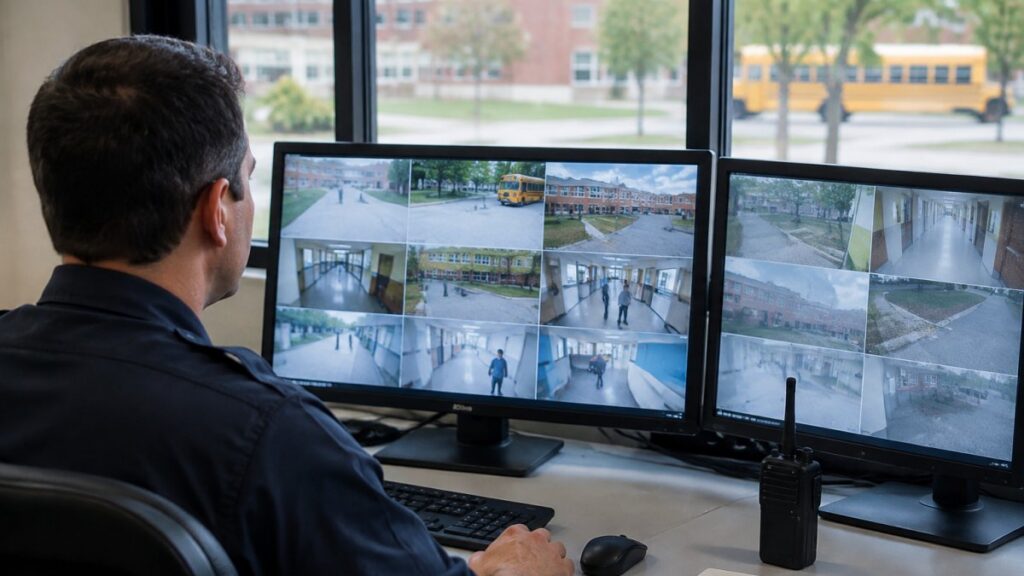
AI video analytics for school security is software that reads your existing camera feeds and flags specific events, such as a person crossing a fence line or an object that looks like a weapon, without a human watching every screen. It can run on servers inside the building rather than in a remote data center, so detection continues through internet outages.
- Most school analytics systems detect weapon-shaped objects, perimeter breaches, unauthorized access, vehicle events, loitering, and fire or smoke.
- AI weapon detection flags shapes resembling a firearm for human review; it cannot confirm a weapon exists.
- On-premise processing keeps detection running during internet outages, while cloud detection typically stops.
- Tune sensitivity per camera and use schedules, because global settings guarantee false alarms.
- Run a pilot for at least four to six weeks and log every alert with its outcome.
Table of Contents
- How AI Video Analytics Changes School Security
- AI Weapon Detection for Schools: What It Can and Cannot Do
- School Perimeter Intrusion Detection Beyond the Front Door
- On-Premise AI Video Analytics vs Cloud Deployment
- School Video Surveillance Privacy, Consent, and Data Retention
- Accuracy, False Alarms, and Human Response Protocols
- Procurement Checklist and Measuring Return on Investment
- Book a Demo With the MDI AI Detection Team
- Frequently Asked Questions
How AI Video Analytics Changes School Security
Traditional surveillance records everything and tells no one; analytics inverts that: the system watches and flags, and a person decides.
That change alters staffing, response times, and the evidence you can produce afterward, and it introduces new obligations around data, accuracy, and oversight.
Below, we cover what the software detects, where it fails, how deployment affects reliability, and what to put in a procurement checklist. For the broader school-specific context, see our proactive threat detection guide for schools.
What the Software Actually Watches For
Detection is narrower than vendor marketing suggests. Most school-focused analytics systems look for a defined set of events and ignore everything else.
- Weapon-shaped objects. A model trained to recognize the visual profile of a firearm in a hallway or parking lot.
- Perimeter breaches. Movement across a virtual line at a fence, gate, or side entrance after hours.
- Unauthorized access. A person entering a restricted corridor, mechanical room, or bus yard.
Everything else, from a slammed locker to a verbal argument, is outside the model’s competence. Setting expectations here prevents the disappointment that follows a bad rollout.
AI Weapon Detection for Schools: What It Can and Cannot Do
AI weapon detection for schools is a pattern-recognition tool, not a metal detector.
What it cannot do: distinguish a realistic prop from a real firearm, read intent, or see through a crowd.
The honest framing: analytics buys time by shortening the gap between an event and a human decision. It does not remove the human.
School Perimeter Intrusion Detection Beyond the Front Door
School perimeter intrusion detection covers the zones nobody watches: back gates, loading docks, athletic field edges, portable classroom clusters, and bus loops after dismissal.
Most districts harden the main entrance and leave the perimeter to a fence and an unmonitored camera.
Configuration matters more than the model.
For a deeper look at layering gates, lighting, and detection zones, see our guide to advanced perimeter security for schools.
On-Premise AI Video Analytics vs Cloud Deployment
On-premise AI video analytics processes camera feeds on a server inside the school or district, while cloud deployment streams footage to a remote provider for analysis. Reliable system uptime ensures that security infrastructure remains fully integrated with broader emergency preparedness for school districts during critical incidents.
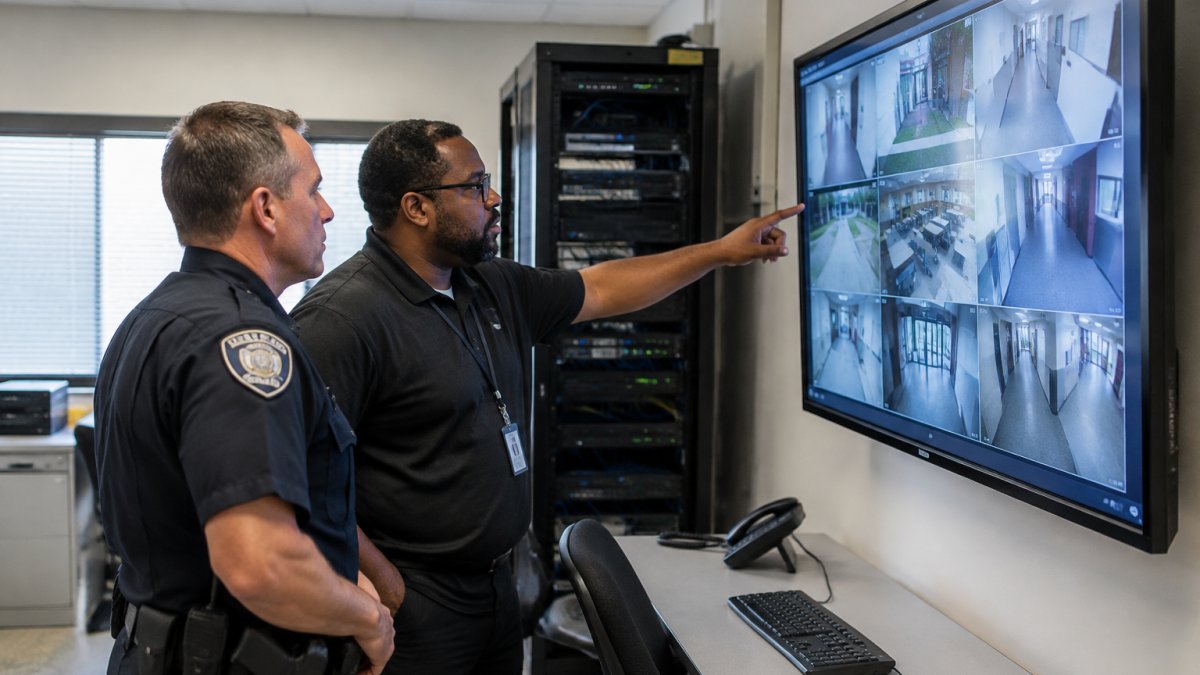
Here is how the two models compare on the factors that decide most school deployments.
| Factor | On-Premise | Cloud |
|---|---|---|
| Internet outage | Detection continues locally | Detection typically stops |
| Bandwidth load | Stays on the local network | Uploads continuous video |
| Data custody | Footage remains on site | Video leaves the building |
| Upfront cost | Higher hardware outlay | Lower entry, recurring fees |
| Remote access | Requires configured tunnel | Native |
| Scaling to new sites | Ship and configure a server | Provision an account |
What Happens When the Internet Drops
A cloud-dependent system goes blind the moment the connection fails, not a rare scenario in older buildings with saturated networks or where a fiber cut takes down a campus.
On-site processing keeps detection running through an outage. Alerts generate locally and reach your team or monitoring station once connectivity returns, or immediately with a cellular failover path.
The trade-off is real: on-site servers mean capital expense, rack space, and a maintenance plan. Districts weighing that investment should read our analysis of whether on-premise AI security servers are worth it before committing.
School Video Surveillance Privacy, Consent, and Data Retention
School video surveillance privacy is governed by a patchwork of state laws, district policy, and federal student-records rules, not a single national standard. Any deployment needs a written data governance plan before the first camera goes live, privacy is the design constraint that decides whether the system survives a records request, a parent complaint, or a board review.
The Federal Floor You Are Actually Working Against
- FERPA (Family Educational Rights and Privacy Act). Video that becomes part of a student’s education record, for example, footage used in a disciplinary proceeding, is generally subject to FERPA’s access and amendment rules. Raw hallway footage that is never tied to a student is usually not an education record, but the moment an incident report links a clip to a named student, the analysis changes. Build the system so you can produce the clip and the associated record together.
- COPPA (Children’s Online Privacy Protection Act). COPPA governs online collection of personal information from children under 13 by operators of websites and online services (the FTC). A cloud analytics vendor that ingests video containing identifiable students may fall within COPPA’s operator definition depending on the contractual arrangement; an on-premise deployment where footage never leaves the building generally does not. This is one of the clearest practical reasons districts choose on-site processing.
- State student-privacy statutes. Many states have their own student-data laws that add requirements on top of FERPA, data minimization, vendor contract terms, breach notification, and parent access. The specific obligations vary by state, so the district’s counsel, not the vendor, should confirm which apply.
A Brookings analysis of AI surveillance in schools notes that these systems raise both safety and equity concerns, which is a fair warning to build policy alongside technology.
Data Minimization: Collect Less, Keep Less
The single most effective privacy control is not a policy document, it is refusing to collect data you do not need.
- Turn off detection categories you will not act on. If nobody responds to loitering alerts in the bus loop, do not generate them; every enabled category creates metadata that must be governed.
- Prefer event metadata over continuous recording where the use case allows. Storing a timestamp, camera ID, and event type per alert, with full video retained only for a defined window, carries far less risk than archiving every frame indefinitely.
- Do not enable facial recognition or demographic classification unless counsel has cleared it and the board has approved it in writing. These capabilities most often trigger state statutory bans and disparate-impact complaints.
Access Controls and Audit Logs
Role-based access with an audit log of every viewing is the minimum. In practice, that means:
- Named accounts, not shared logins. Administrators, school resource officers, district IT, and monitoring-station staff should each have their own account with the minimum role needed.
- View-only versus export rights. Most staff need to view a feed; only a few should be able to export a clip, the step that creates a copy outside the system’s controls.
- Immutable audit trail. Every view, search, and export should be logged with user, timestamp, camera, and purpose code, in an append-only log reviewable by the district’s privacy officer.
Retention Schedules That Hold Up
Retention periods vary by state and by district policy, so there is no universal number. What matters is that the schedule is written, approved, and automated.
A common pattern is tiered retention: alert-triggered clips retained longer than routine footage, and routine footage deleted on a rolling schedule measured in days or weeks.
Watch out: indefinite retention is a liability, not an archive.
Consent, Transparency, and Records Requests
Consent in a public school setting is complicated: students and families generally do not consent to hallway cameras the way they consent to a field trip photo. The practical substitute is transparency.
- Publish a plain-language notice describing what the cameras and analytics do, what they do not do, who can view footage, and how long it is kept. Post it on the district website and include it in student handbooks.
- Brief families at the start of the year, not after the first alert makes the news.
- Train staff on the records-request workflow. A searchable system with a chain-of-custody log answers requests accurately and within the statutory deadline instead of by guesswork.
Governance Before Go-Live
Before the first camera goes live, the district should have in writing: a data governance plan naming the privacy officer, a retention schedule with automated deletion, a role-based access matrix, an audit-log review cadence, a records-request procedure, and a board-approved policy covering facial recognition and demographic analytics. Vendors should show how their system enforces each, not just attest that it can.
Accuracy, False Alarms, and Human Response Protocols
Accuracy problems kill school analytics programs faster than any technical failure. When a monitoring station receives dozens of low-value alerts a night, staff start ignoring them, and a real event gets missed in the noise.
- Tune per camera. A hallway camera and a parking lot camera need different sensitivity; global settings guarantee false alarms.
- Use schedules. Detection in a bus loop at 2 a.m. should look nothing like detection at 7:45 a.m.
- Define response tiers. Not every alert deserves a radio call; rank by severity and assign a response to each.
Our guide on how to reduce false alarms from security cameras covers the practical tuning steps in detail.
Procurement Checklist and Measuring Return on Investment
A procurement checklist turns a vendor pitch into a comparison you can defend to a board. Score each vendor against the same criteria and keep the scoring in writing. But a checklist alone does not get a district from interest to deployment; the sections below cover the pilot, the rollout stages, the vendor questions that separate real capability from demo reels, and the metrics that justify renewal.
Camera and Network Readiness
Analytics is only as good as the video it receives. Before you evaluate any vendor, audit what you already have.
- Camera resolution and placement. A model trained on 1080p hallway footage will underperform on a 720p camera aimed at a parking lot from 200 feet. Walk every proposed detection zone and confirm the camera can see the event you want flagged.
- Lighting and night performance. Many perimeter cameras produce unusable video after dark; if after-hours intrusion detection is a goal, confirm adequate illumination or IR.
- Network capacity. On-premise analytics keeps video local, but the server still needs bandwidth to pull every stream; cloud analytics uploads continuous video and will saturate an undersized uplink. Measure before you commit.
Pilot Design: Test on Your Footage, Not a Demo Reel
A pilot is not a free trial of a vendor’s showroom. It is a controlled test on your cameras, in your buildings, with your network, against your actual alert volume.
- Pick two or three representative zones, one interior hallway, one exterior perimeter, one high-traffic arrival area, rather than the easiest camera on campus.
- Run for at least four to six weeks to capture arrival, dismissal, after-hours, and at least one unusual event.
- Log every alert with timestamp, camera, detection category, and outcome (verified, false, missed), the evidence you take to the board.
Staged Rollout
Most districts that succeed roll out in stages rather than district-wide on day one.
- Pilot on a small set of cameras with a defined evaluation period and a written scorecard.
- Phase one on the highest-risk zones, main entrances, perimeter gates, bus loops, with tuned sensitivity and schedules.
- Phase two on secondary zones once alert volume and response workflows are stable.
- District-wide only after the first two phases produce documented outcomes and the privacy governance plan is in force.
Each stage should have an exit criterion. If phase one produces more false alerts than the response team can absorb, do not proceed to phase two until tuning is complete.
Vendor Questions That Separate Capability From Marketing
- Confirmed compatibility with every camera make and model across all sites
- Recorder integration without forced hardware replacement
- Documented behavior during an internet outage, with a live demonstration
Measuring Outcomes and Return on Investment
Return on investment in school analytics is not a single number. It is a small set of indicators that a district can observe before and after deployment and defend to a board.
- Alert-to-response time. The interval between an alert and human verification; track it per detection category.
- False-alarm rate. False alerts divided by total alerts, per camera and category; a rate that climbs after a configuration change signals a retune.
- Investigation time. How long it takes to find and export relevant footage; searchable metadata should cut this from hours to minutes.
Tracking these numbers gives a district a defensible basis for evaluating renewal. The pilot log from the section above is the raw material for every one of these metrics, which is why the pilot should be designed to produce them from day one.
Book a Demo With the MDI AI Detection Team
The hardest part of school security analytics is not the detection model.
We have been installing and supporting security systems as integrators since 2008, and our team is based in New Port Richey, Florida.
If you want to see how detection performs on your own footage, Book a demo with our team.
A district that buys analytics without a response protocol ends up with expensive alerts nobody trusts.
Frequently Asked Questions
Can AI video analytics work with a school’s existing IP cameras?
In most cases, yes. On-site platforms like MDI AI Detection are built to run on top of the IP cameras and recorders a district already owns, so there is no rip-and-replace project. The AI server reads the video stream from your existing cameras and applies detection rules per camera. Before signing anything, ask the vendor to test against every camera manufacturer in your buildings, because mixed-vendor fleets are common and compatibility varies by model and firmware.
What security threats can AI video analytics detect on a school campus?
The core detections are weapons, intruders, vehicles, and fire or smoke. Beyond those, school security AI systems can be configured for perimeter and unauthorized-access events, depending on camera placement and the detection rules set for each camera. Detection quality depends on camera placement and lighting, so walk each camera view with the vendor and confirm the scene is actually covered before you rely on it.
How should schools evaluate AI-generated security alerts?
Treat every alert as a claim that needs verification, not a fact. Ask the vendor for camera-specific sensitivity settings so a busy hallway does not trigger constant weapon flags, and require a timestamped audit trail showing what the system saw and when. Then run a trial period and log every alert against what staff found on the ground. If a large share turn out to be false, the configuration is wrong or the product is not ready for your environment.
What are the privacy risks of AI video surveillance in schools?
The main risks are over-collection, long retention, and unclear rules about who can review footage. Districts should set a written retention schedule, restrict access to named roles, and disclose monitoring to students and families through handbooks and board policy. Some states impose additional notification or biometric rules, so confirm the requirements that apply to your district with counsel. Have counsel confirm your policy against state law before cameras go live, and keep the audit log so any review of footage can be traced.
What are the main cybersecurity risks of AI security systems?
Any networked camera or AI server is a potential entry point. Require unique credentials, network segmentation that keeps cameras off the general district network, regular firmware patching, and encrypted connections. On-premise processing reduces exposure because video does not stream to a third-party cloud, but the server itself still needs hardening and monitored access. Ask vendors for their patching cadence and whether the system keeps working if the internet drops.
